Best SEO Tools in 2026: Paid, Free, AI, and Automation Software Compared
Learn about the best SEO tools on the market and what makes them useful. Read about how to select the right software for your website.


Entrepreneurs can do many things on their own, relying solely on their wits and skills. However, search engine optimization (SEO) isn’t one of them. To do a good job and run a solid website with a good amount of traffic, you need the right SEO optimization tools.
Naturally, this includes a broad scope of SEO software, so I wanted to tell you only about the best SEO tools, ones you can’t live without. There are alternatives to every SEO ranking tool on this list, and you’re free to consider them. However, I urge you to check out my recommendations first. And if you would rather have specialists run them for you, that is what our SEO and GEO services are for. Here’s the list before we go into more detail:
- Ahrefs
- Semrush
- Google Search Console
- Moz
- Screaming Frog
- Google Analytics
- PageSpeed Insights
- Answer the Public
This guide goes beyond the core roundup, though. Below, you’ll also find dedicated sections on free tools worth your time, automation and AI tools, the best SEO plugins for WordPress, reporting software, and which CMS gives you the strongest SEO foundation, everything you need to build a complete toolkit in one place.
Why Should You Use SEO Tools?
Search engine optimization software helps your site rank better and become more visible on the web.
SEO tools are a very broad category. Some solutions help with only one or a few specific SEO-related tasks, like ranking, auditing, keyword research, and backlinks. Others are all-encompassing tools that do almost anything related to search engine optimization.
When we put it like that, it becomes clear that the best SEO tools are a necessity, but let’s quickly review the main reasons for using them:
- You get the option to track your SEO progress.
- You can find helpful keywords with a good SEO keyword tool.
- You can optimize the content on your website.
- You save money and time on manual audits.
- You get to examine your competitors’ SEO strategies.
- You can monitor backlinks and analyze them.
- You can show clear results to supervisors or clients.
How We Evaluate SEO Tools
Every tool in this guide has been judged against the same yardstick. Before you compare individual products, it helps to know what actually separates a good SEO platform from a mediocre one, and what to weigh for your own situation.
- Feature coverage: A serious tool should handle the core SEO workload, keyword research and rank tracking, on-page and technical site auditing, backlink analysis, and link-building or outreach support. Gaps in any of these mean you’ll be paying for a second tool to fill them.
- Data quality and limits: Look at how large and fresh the tool’s databases are, how many keywords, projects, or competitors you can track on your plan, and how long your historical data is stored. Hard caps that look generous today can become the reason you migrate later.
- Pricing versus value: Compare monthly against annual rates, check what the free tier or trial actually unlocks, and note which features are gated behind add-ons. The cheapest headline price isn’t always the cheapest tool once your real usage is factored in.
- Integrations: Direct connections to Google Search Console, Google Analytics, and the Keyword Planner save hours of manual data-wrangling, and integrations with your wider marketing stack determine how well the tool fits your workflow.
- Reliability and support: User reviews on platforms like Trustpilot and Reddit reveal how a tool behaves after the sale, responsiveness of support, billing transparency, and whether auto-renewals are communicated clearly.
- Platform and workflow fit: Desktop-based tools keep your data local but limit cloud access and collaboration; cloud platforms trade that control for convenience. Neither is wrong, but one will suit your team better.
Beyond the tool itself, weigh your own context: your business goals, budget, and technical expertise, and the specific SEO capabilities you need most. If your use case is specific, the overall top-rated tools might not be the right fit, a YouTube channel calls for the best SEO tools for YouTube, while an Etsy shop is better served by tools built for Etsy.
Best SEO Tools in 2026, Reviews, Pros, and Cons
You’ve seen my picks for the best SEO tools every website owner and marketer should have, and now is the time to give you some quick reviews of each one. These reviews are for anyone deciding where their budget goes first, whether you run one site or manage twenty for clients.
Ahrefs: Best for Backlink Research
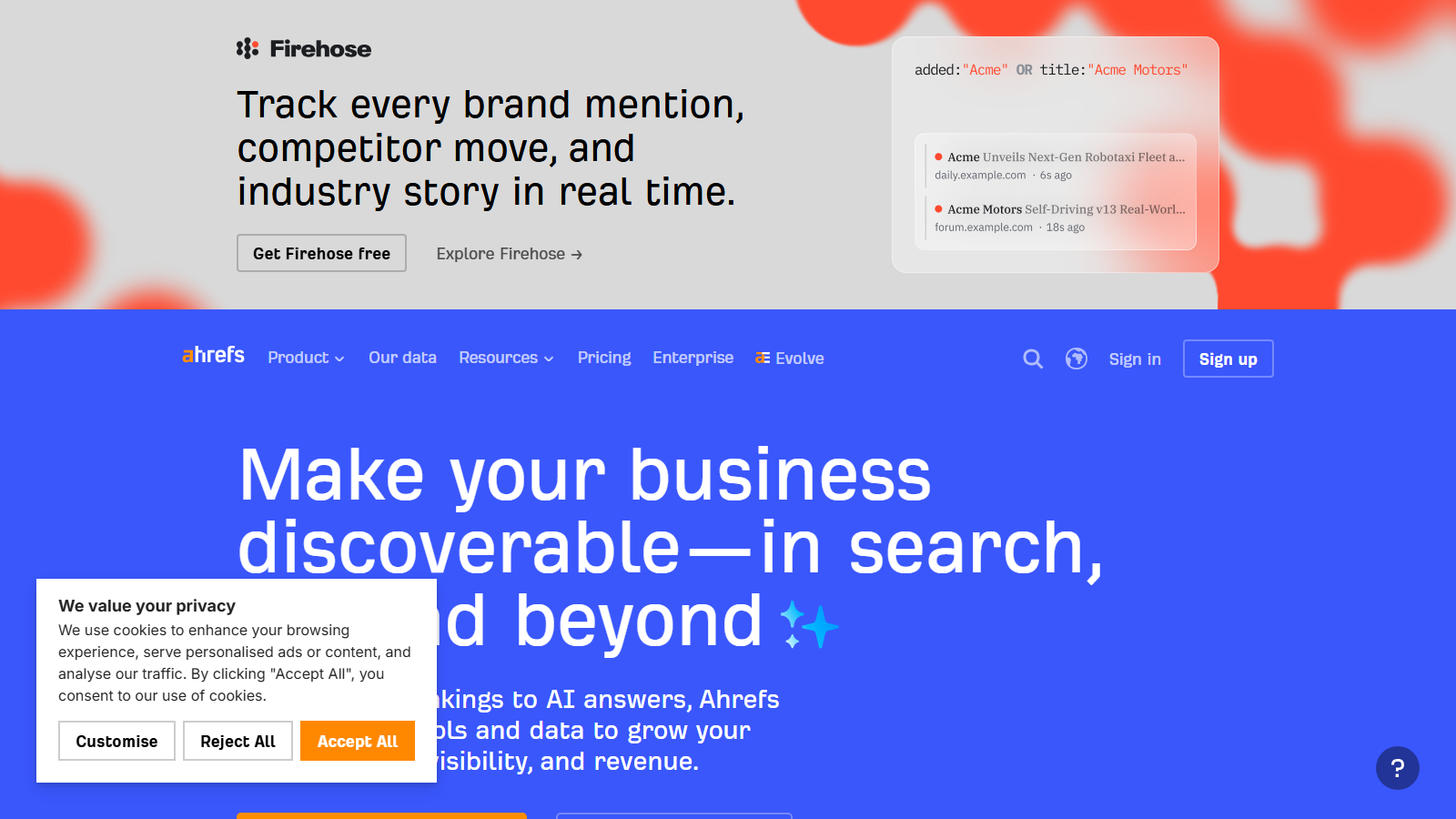
Ahrefs is a powerful and top-rated tool most people have heard about, and with good reason. It’s an all-in-one SEO tool with several services, including Keyword Explorer, Content Explorer, Site Explorer, Site Audit, and more.
This SEO ranking software has the most extensive backlink index, with a library of over 35 trillion backlinks and 329 billion indexed pages. Ahrefs’ crawler is the second most active on the web after Google’s.
Pros:
- Massive web link index
- Very accurate ranking data
- Quality competitor analysis tool
- Several free webmaster tools
Cons:
- Plans can be costly for some
- Limited number of SEO reporting tools
Semrush: Best for Small and Mid-Size Businesses
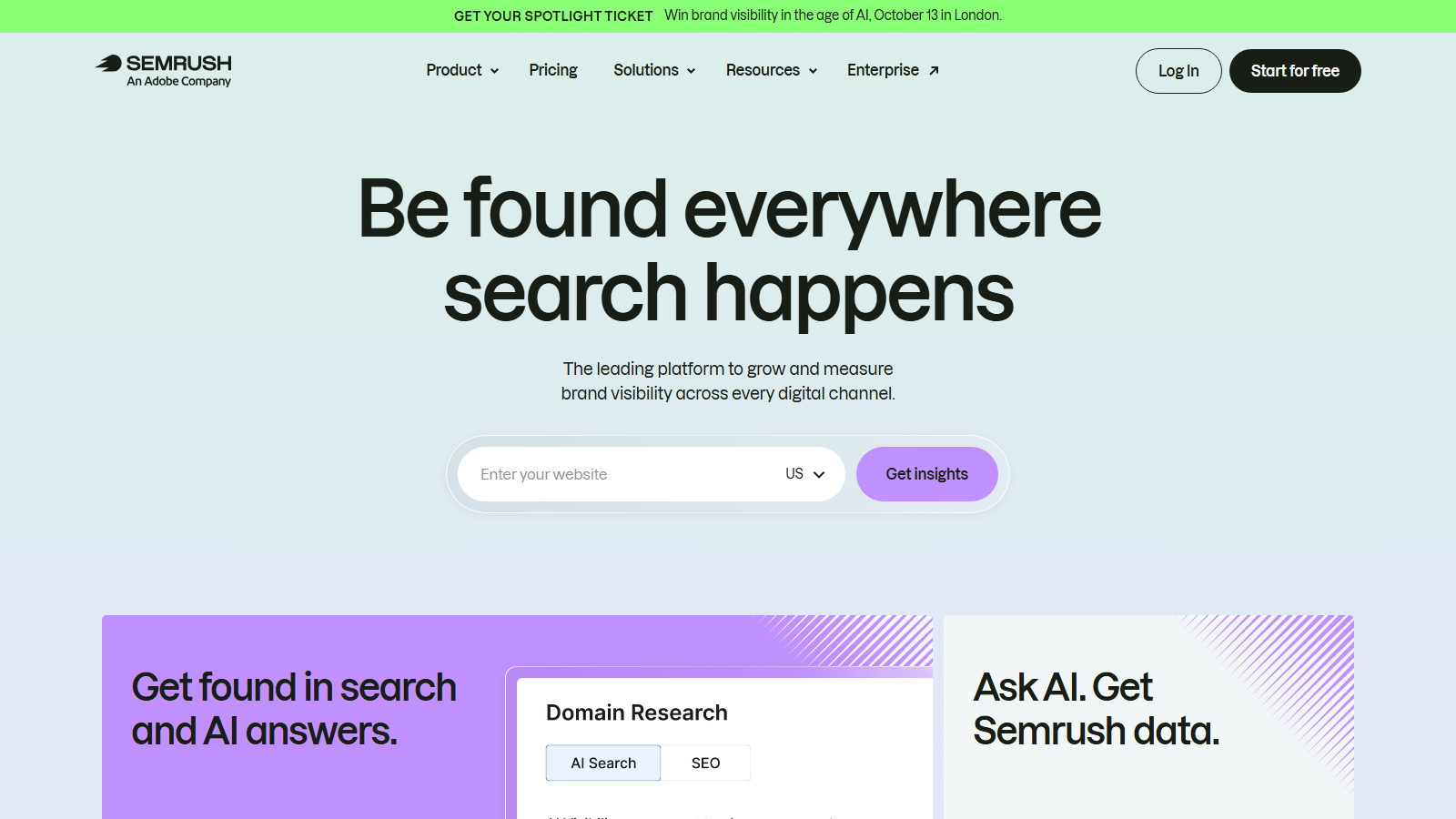
Semrush is a great SEO tracking tool considered one of the best for small and mid-size business leaders.
This feature-rich tool can fulfill many of your SEO needs, including in-depth website audits, PPC campaigns, SERP analysis, keyword research, backlink monitoring, and more. It offers countless insights into website performance and can scale easily as your business grows. Due to all of this, it’s one of the best SEO tools for WordPress.
One of its highlights is a solid dashboard with widgets that can be customized to fit your needs.
It’s also one of the best SEO tools for social media, as it offers a free toolkit to help you track and post content.
Pros:
- One of the most popular SEO analysis tools
- Great selection of keyword-tracking capabilities
- Customizable and feature-rich dashboard
- Lots of advanced features
Cons:
- Can be expensive for smaller businesses and entrepreneurs
- Unsuitable for beginners
Google Search Console: Best for Beginner Site Owners
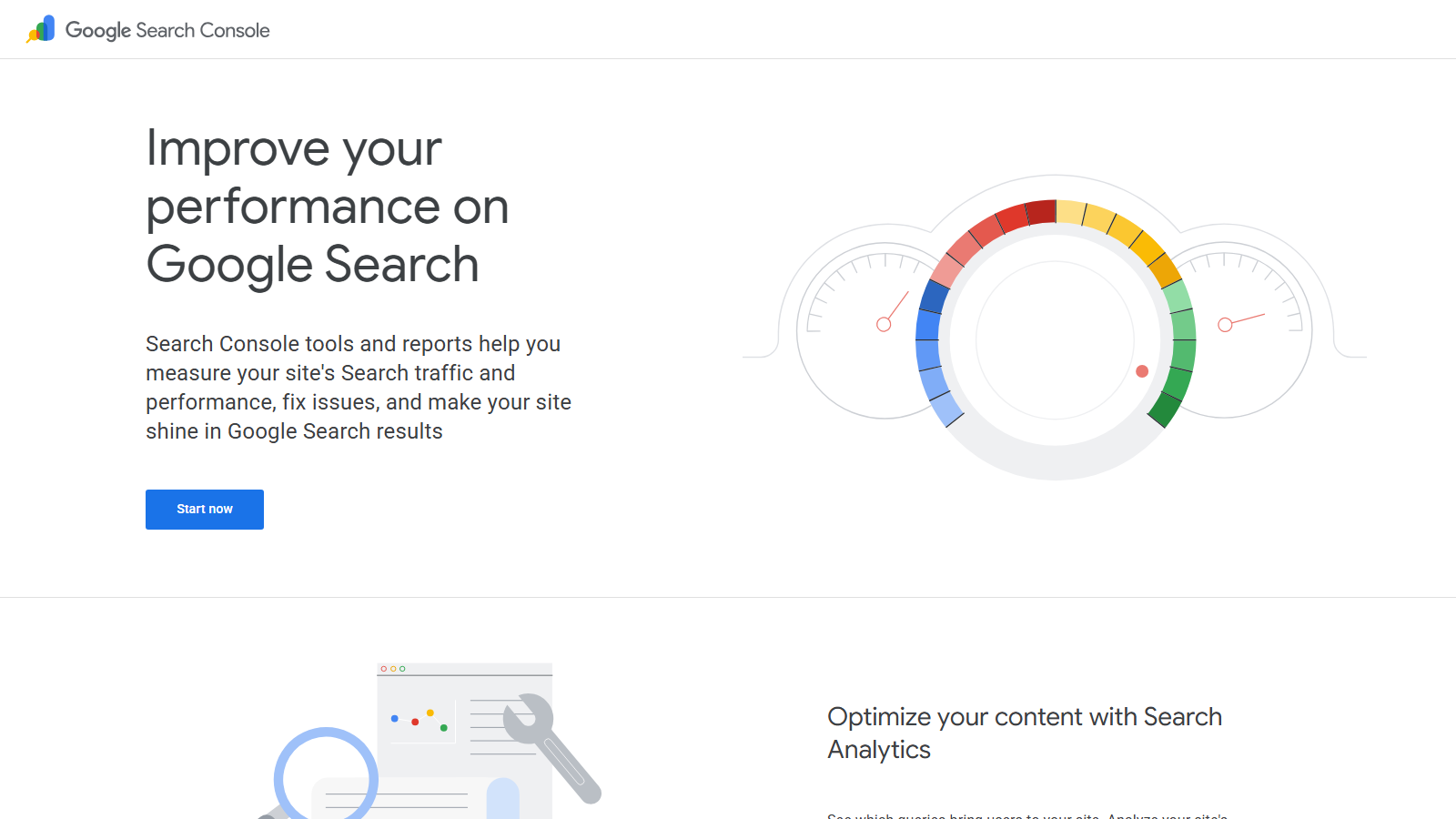
If you’re looking for the best SEO tools for beginners, you should start with Google’s Search Console. It’s a diagnostic and reporting SEO tool made primarily for beginner web admins.
It’s one of the few SEO free tools on the web that can genuinely help you get all the key data and insights into your site’s performance.
It will help you analyze clicks, visits, impressions, CTR, and how well your URLs are performing for specific queries. This frequent mention in the top 10 best SEO tools lists will also allow you to track your site’s health and security and test sitemaps.
Pros:
- Perfect for beginner website or blog owners
- Valuable insights straight from Google
- Completely free to use
- URL-specific tests
Cons:
- No additional features
- Works only on your websites
- Relatively limited amount of information
Moz: Best for Link Building and Local SEO
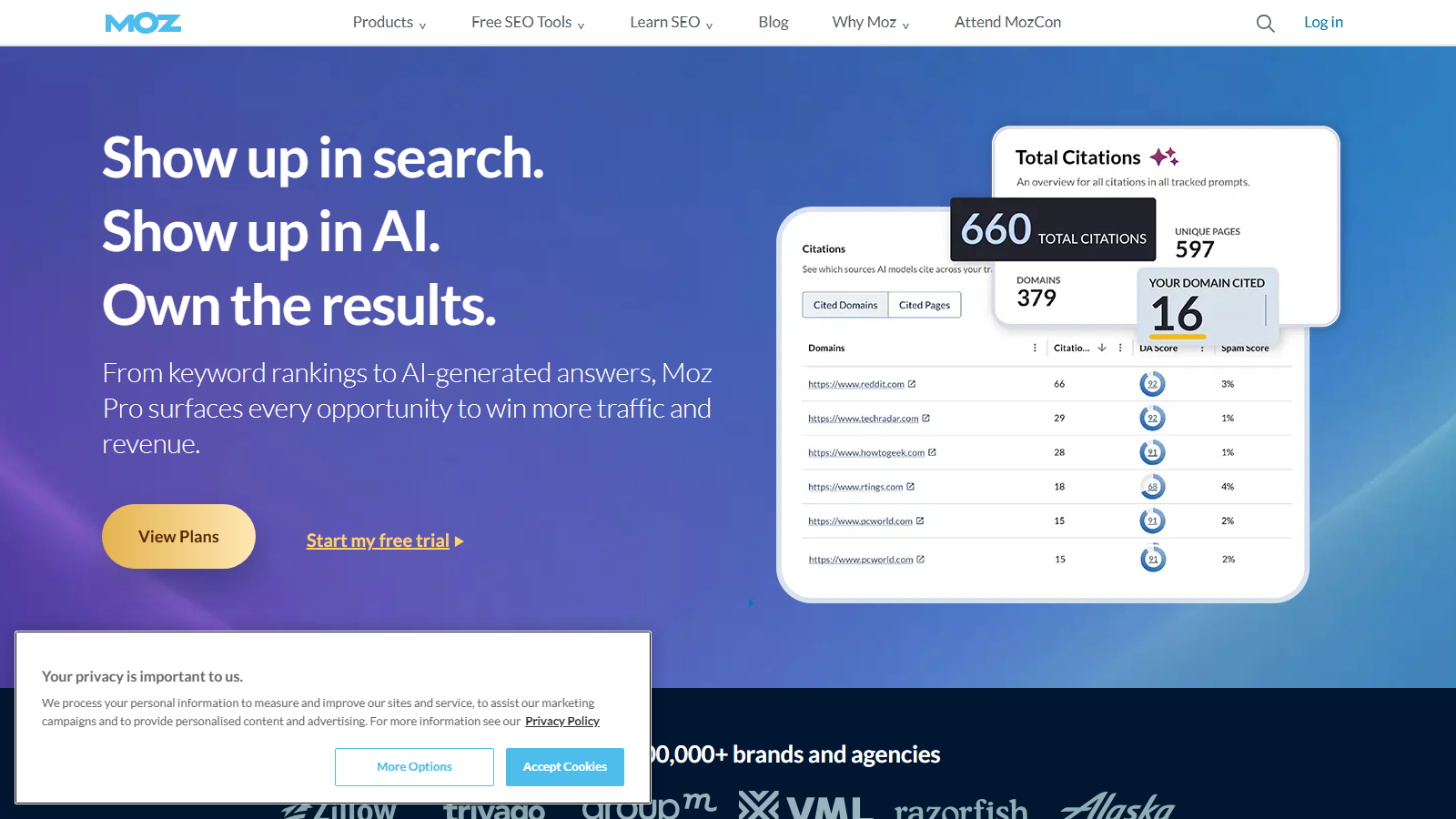
Moz is a complete SEO tool used for link building, keyword research, rank tracking, and competitor analysis. It’s a bit cheaper than solutions like Ahrefs and offers many useful free tools.
One of its best free tools is MozBar, a browser extension that shows the domain authority (DA) for all websites listed in the SERPs.
Another great feature of this SEO tracking tool is Moz Local. It lets you manage listings, publish location data, and monitor reviews.
Pros:
- Complete database of links
- Wide range of tools
- 30-day free trial
- Feature-packed free version
Cons:
- Steep learning curve
- Expensive for some users
Screaming Frog: Best for Finding Duplicate Content
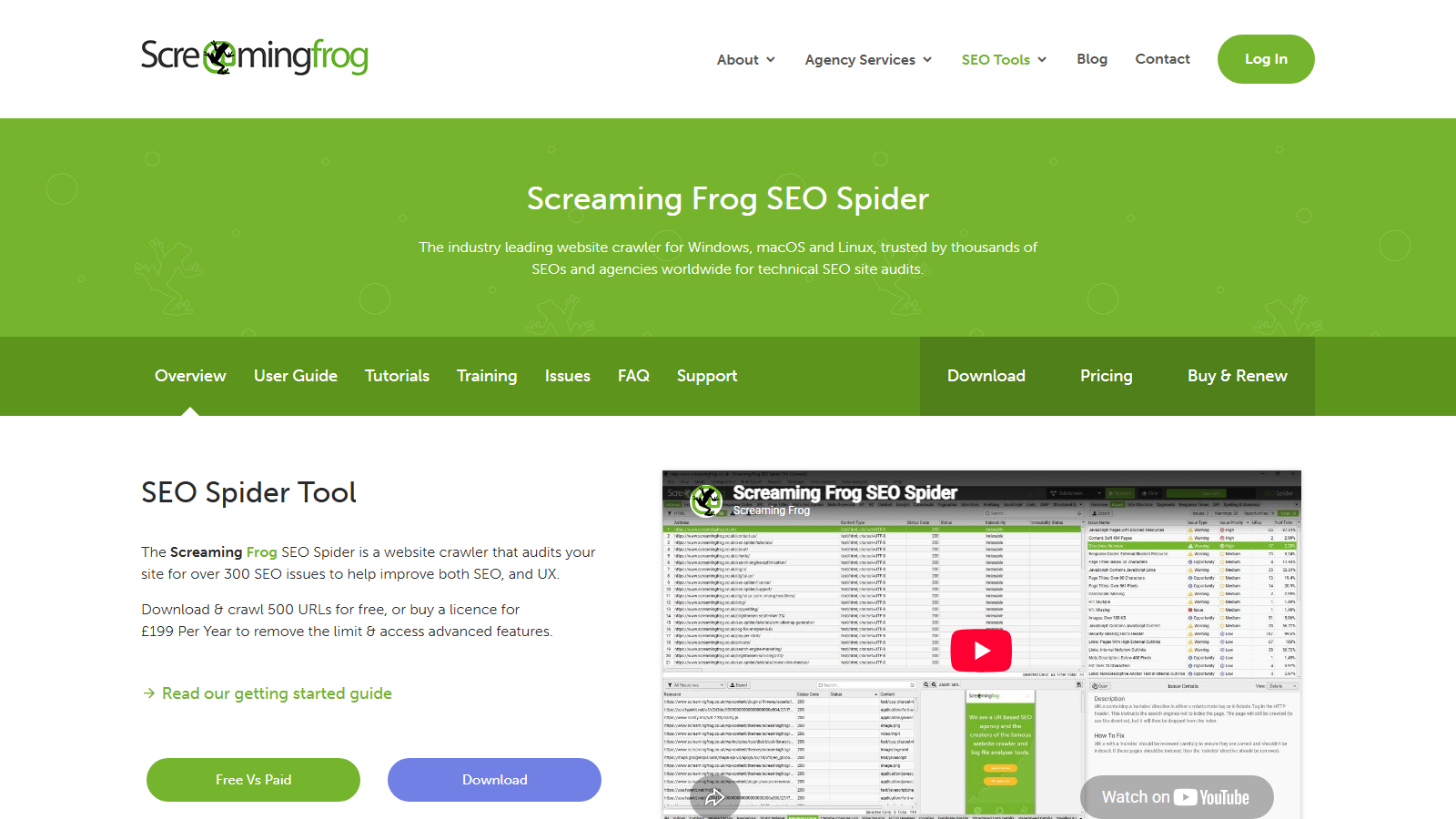
The Screaming Frog SEO Spider is an SEO tool for site analysis and page crawling. It’s a technical SEO tool, as its auditing and site crawling abilities are highly advanced. You can perform extensive analysis and easily find problems like server errors, broken links, and redirect chains.
The SEO Spider can also integrate with Google’s Search Console and Analytics tools. However, the standout feature of this SEO monitoring tool is its duplicate content detection. It can resolve almost any duplicate content problem and provide insights into pages with duplicate meta tags, missing title tags, and more.
Pros:
- Very good at discovering duplicate content
- Quality crawling capabilities
- Lets you create XML sitemaps
Cons:
- The free version is limited
- Must be downloaded
Google Analytics: Best for User Behavior Insights
Google Analytics is a great SEO tool for new businesses since it can be used to run simple tests quickly. It’s different from the Google Search Console as it tells you much more about your users and how they interact with your site, while the Console focuses on telling you how it performs in the search results.
One of the best things that Google Analytics does is real-time reporting, which allows you to monitor what’s happening on your site while it’s happening.
Pros:
- Monitors website in real-time
- Integrates with other products from Google
- Offers custom reports
Cons:
- Can be hard to master
- GA4 is free. The enterprise tier, GA360, is priced by quote
PageSpeed Insights: Best for Page Speed Testing
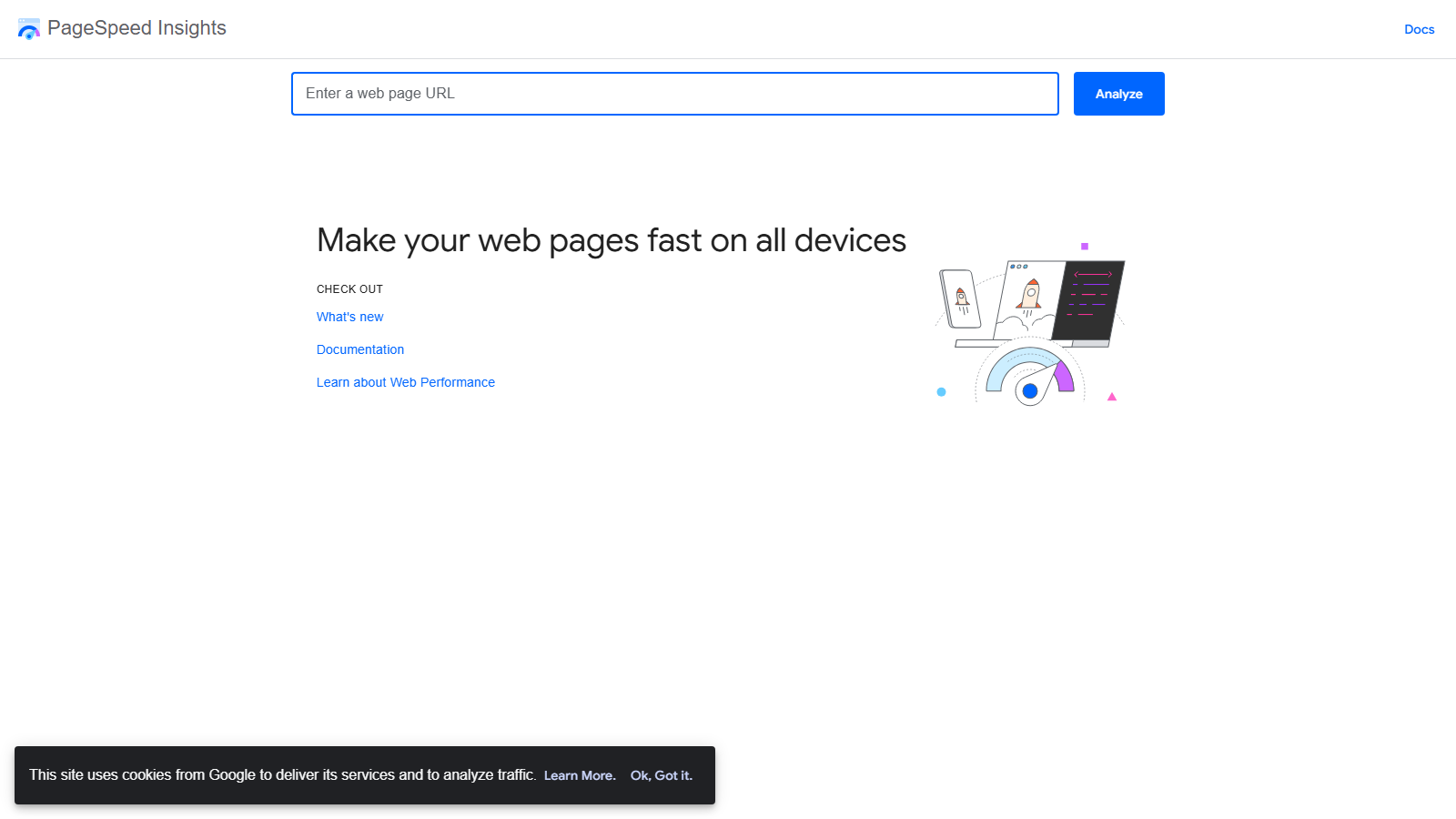
One of the best SEO tools for Shopify, Google PageSpeed Insights lets you evaluate the performance of all of your pages. You only need to enter the URL, and you’ll get an easy-to-read report and assessment score.
Google ranks page speed highly, which is why this tool is incredibly useful. It will tell you what issues are causing your page load time to be too long and make recommendations on how to optimize your website.
Pros:
- Completely free to use
- Shows exact page speed issues
- Provides recommendations on optimizing your website
- Delivers analysis for desktop and mobile
Cons:
- Was not designed for WordPress websites
- Can suggest experimental things from Google
Answer the Public: Best for Question-Based Keyword Research
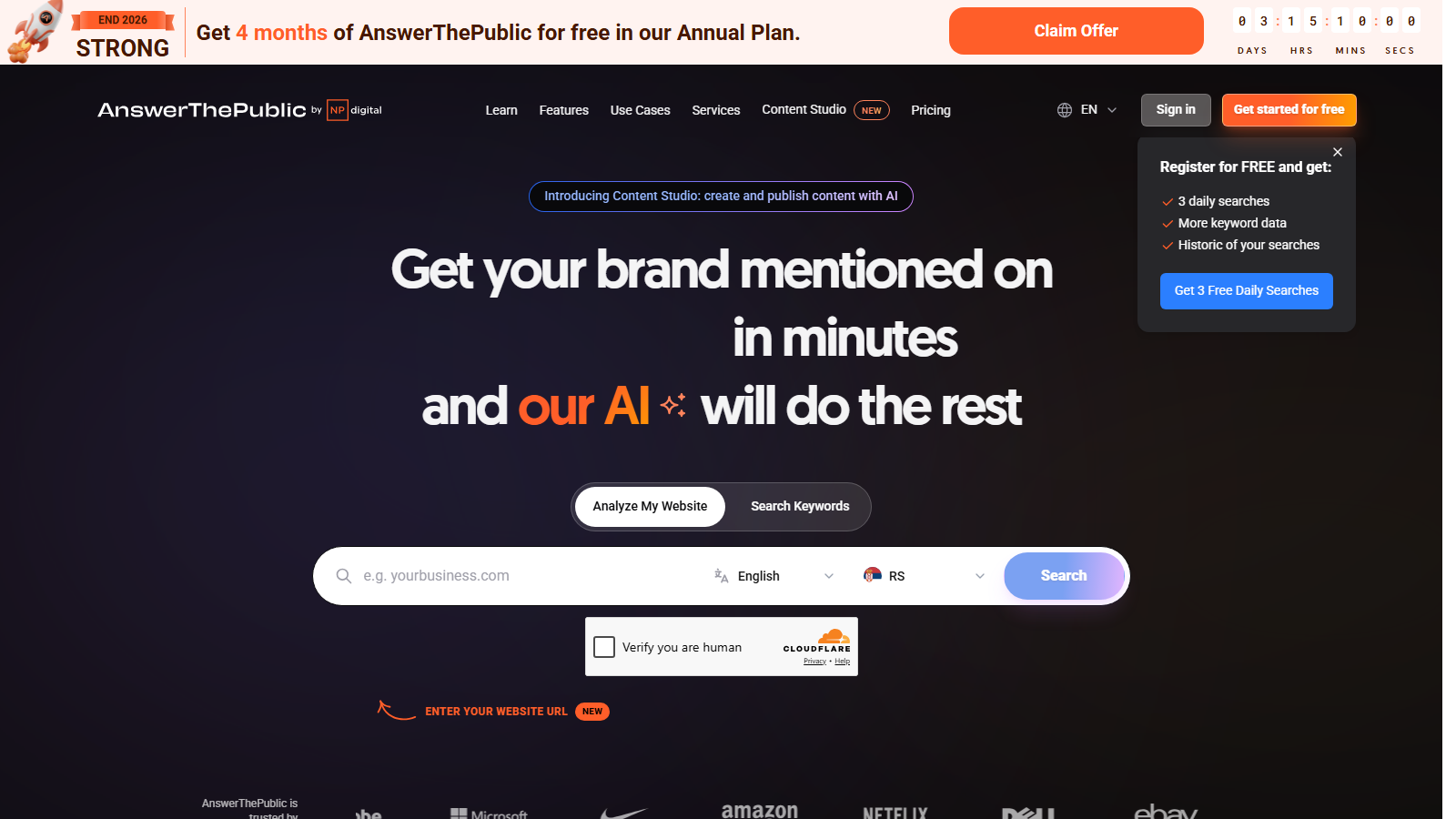
Answer the Public used to be everyone’s free favorite for question research. These days it starts at $9 a month for the Individual plan, with a few trial searches so you can test it first. It is still a handy piece of keyword research software. Even though people usually go for Google Keyword Planner, you’ll want to consider Answer the Public because it pulls questions real people ask on social media, blogs, and forums and creates keywords from them.
The best thing about this SEO keywords tool is that it shows its results in the form of a visual map or diagram and puts them into specific categories like What, When, How, and Why. You can also export the results in CSV and other formats for convenience.
Pros:
- Great for free keyword research
- Interesting visualization of results
- Pulls data from people’s questions online
Cons:
- Limited number of reports per day
- Detailed metrics only on the paid version
Best Free SEO Tools
Not every part of your toolkit has to carry a subscription fee. The best free SEO software can improve your brand’s visibility and ranking in SERPs and strengthen your overall online presence in several ways:
- Free SEO keyword tools can streamline your keyword research, pinpointing the most relevant and profitable KW opportunities for different projects.
- Analytical SEO software can evaluate search trends and market demands, helping you develop more complete marketing strategies.
- Technical SEO parameters can identify issues with your website, allowing you to improve your reach, traffic, and conversion rates.
- Google SEO tools free software can provide valuable data on competitors’ strategies, strengths, and weaknesses based on this popular search engine, enabling you to uncover growth opportunities.
Here are the free tools, and free tiers of paid tools, that deliver the most value without a price tag.
Ahrefs: Best for Free Backlink and Keyword Checks
Ahrefs is a popular search engine optimization package software with a free plan. It tops our free SEO tools list for the sheer amount of capabilities it offers without a price tag. You’ll benefit from it the most if you use it for:
- Keyword research and generation
- Keyword rating analysis
- Backlink checking and tracking
The software works well across multiple platforms, so you won’t have to search for separate free SEO tools for YouTube, Google, Amazon, and other brands. Ahrefs will give you insights into your ranking per keyword, provide info on keyword volumes, and identify both healthy and broken links across the board.
This SEO tool’s primary downside is the limit it imposes on free-plan users. Its limited-use Webmaster Tools make for a great start but won’t be sufficient for brands with more complex needs.
Semrush: Best for Free Rank Tracking
Semrush is another well-known tool among experienced digital marketers. While it offers the most value within its paid plans, there are still plenty of fantastic features users can take advantage of for free, such as:
- Its free SEO ranking capabilities
- Its content and technical site audits
Semrush offers a specialized rank checker that can track your search rankings for up to 10 keywords a day for free. It can also perform a complete analysis of your site, evaluating its content and technical structure. Through these assessments, it aims to generate SEO-based recommendations, from keyword-geared content briefs to writing pointers.
The main drawback of Semrush is that many of its unique features are only available to paid accounts. Making its Share of Voice or Trends Analytics for Reddit functions complimentary would’ve elevated it to the level of the best free SEO tools for Reddit, Facebook, LinkedIn, and other famous social media platforms. However, with paid plans starting at $139.95 per month, it’s too expensive for those just starting out.
Google Search Console: Best for Free Search Performance Data
Google’s Search Console is on par with Semrush, which is hardly surprising considering what it offers. This free-to-use website has an integrated analytics tool that scores your website’s performance according to Google Search results across numerous categories. We recommend using it to learn:
- Your best-ranking keywords
- Click-through rates
- What technical issues hold your site from growing
Moreover, Google Search Console allows you to submit XML sitemaps and individual URLs. It’ll scan, monitor, and troubleshoot your search engine visibility, providing insights into your traffic volumes, rankings, indexing status, and any underlying issues.
It’s undoubtedly one of the best free SEO tools for WordPress, Webflow, Shopify, Squarespace, and other popular platforms. However, it won’t provide any results for search engines other than Google. If you’re looking for a more complete tool, you might need to choose something else.
Google Analytics: Best for Free Traffic Analysis
If you’re not new to the industry, you know many modern marketers swear by Google Analytics. It is one of the best SEO optimization free tools, offering the most in-depth and detailed reports on your website performance. Think of it as the perfect addition to Google Search Console, completing your website analysis with data on your user behavior and traffic sources.
All you need to do is incorporate its HTML code into your website’s code, and you can start tracking all traffic in real time, according to:
- Its origins
- Whether it’s organic, direct, or paid
- Pages it’s targeting the most
- Demographics
- What user interactions it encompasses
Some users find Google Analytics challenging due to its steep learning curve. The tool’s extensive functionality and wealth of information can be overwhelming for beginners. Additionally, no customer support is available for those using the free search engine optimization software version.
DefiniteSEO: Best for Free Site Audits
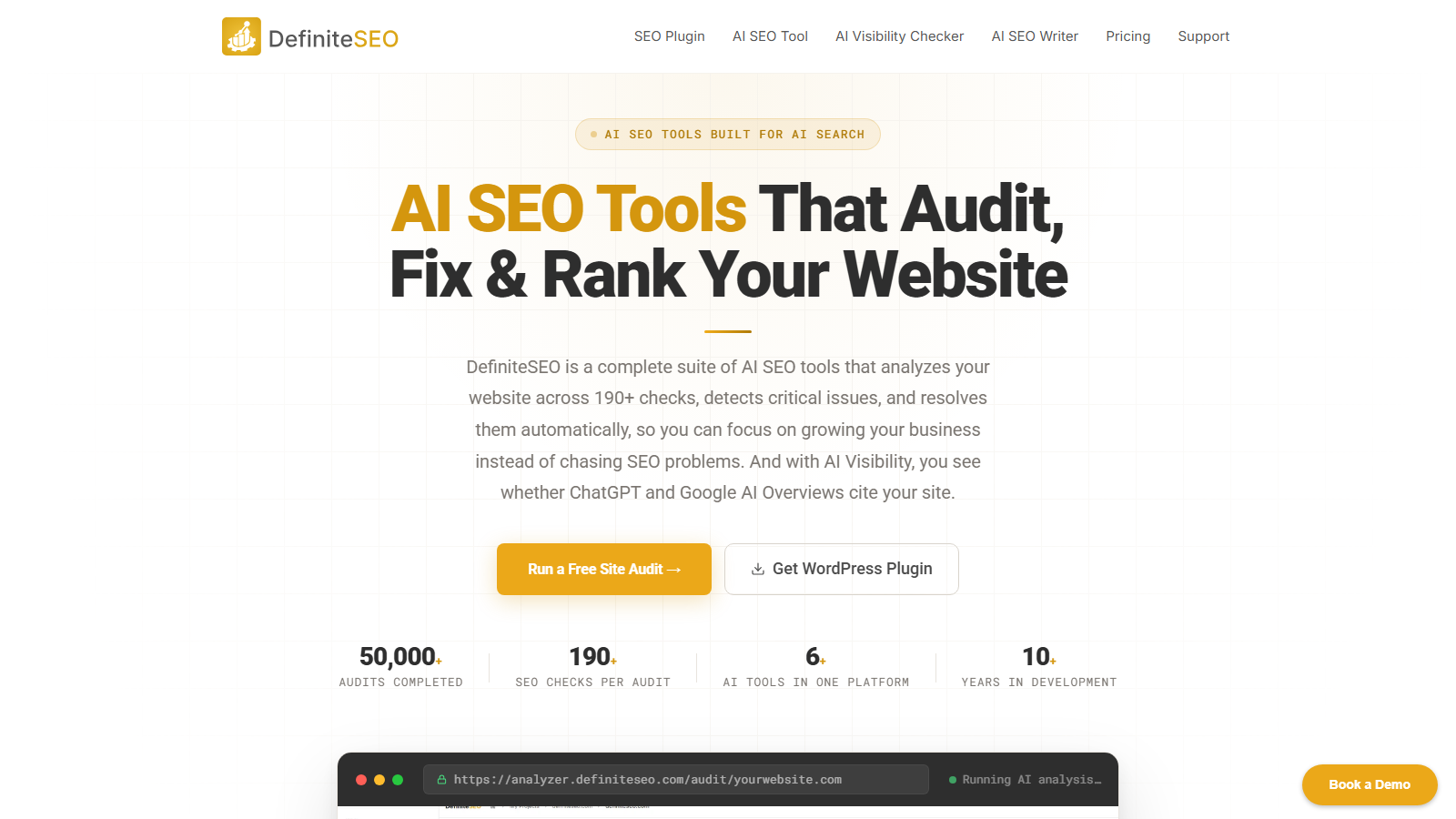
Next on our list is DefiniteSEO, one of the newest players in the SEO software market. Despite being fresh on the scene, it delivers solid value at zero cost. The brand offers a powerful WordPress SEO plugin and one of the best free SEO checker tools available. With these, you get:
- Website performance audits
- SEO analysis for your site
- Keyword density optimization
- Responsive previews for SERPs and social media
All these features are available in the free plan, which isn’t something you often see with top-tier SEO tools. The setup is also a breeze, thanks to detailed on-site guidance and 24/7 customer support. It’s a great starting point for beginners who want to test the waters without putting their budget on the line.
Its biggest disadvantage lies in its limitations. As a new tool, DefiniteSEO lacks some of the advanced features and customization options offered by the big-name alternatives. The team is rolling out updates regularly, though, so it’s one to keep an eye on.
SEO Automation Tools
A significant portion of SEO work can now run on autopilot. The best SEO automation tools take over repetitive manual tasks, data aggregation, audits, rank checks, backlink monitoring, and free your team to focus on strategy and execution. In practice, good automated SEO software won’t replace your judgment; it removes the busywork around it. Whether you choose an all-in-one suite or specialized SEO automation software for a single function, the tools below are ones we at Hirequarters use or have used, so we know they deliver.
Whether you’re an SEO professional, a business owner, or an SEO agency, you need to at least consider these tools, otherwise you risk getting left behind while your competition speeds ahead. Depending on the tool you use, it can:
- Aggregate data and make reports (Google Search Console)
- Complete technical SEO audits (Screaming Frog, Ahrefs)
- Optimize your content (Semrush, Ahrefs)
- Analyze your competition (Semrush, Ahrefs, SE Ranking)
- Monitor backlinks (SE Ranking, Ahrefs)
These tools will increase your efficiency and accuracy, directly and indirectly improving your ROI by giving you more time to develop new strategies and refine existing ones, and helping you scale your processes.
Ahrefs: Best for Content Marketing and Backlink Analysis
Ahrefs is a solid, data-driven, all-in-one marketing platform that offers a plethora of SEO tools. It’s designed for advanced use and is more suited for professionals with deeper knowledge of SEO.
It’s essential in 2026 and beyond as it has stayed firm in its goal of providing fresh and complete data for organic search, and it has already created a tool, Brand Radar, that helps you in the new AI-driven marketplace. It’s one of the best tools in the business, so it’s not one you can disregard if you’re looking for the best SEO automation tools.
Pros:
- One of the most extensive backlink indexes
- Solid content and keyword research
- Site auditor that crawls your site 24/7
- Clean and intuitive interface
Cons:
- High pricing
- Limited number of integrations
Best features:
- Site Explorer
- Keyword Explorer
- Content Explorer
Who benefits from Ahrefs the most?
- Serious SEO professionals
- Digital marketing agencies
- In-house marketing teams
Ahrefs doesn’t offer a free plan, while premium plans start at $129/month (Lite plan).
SE Ranking: Best for Affordable All-in-One SEO
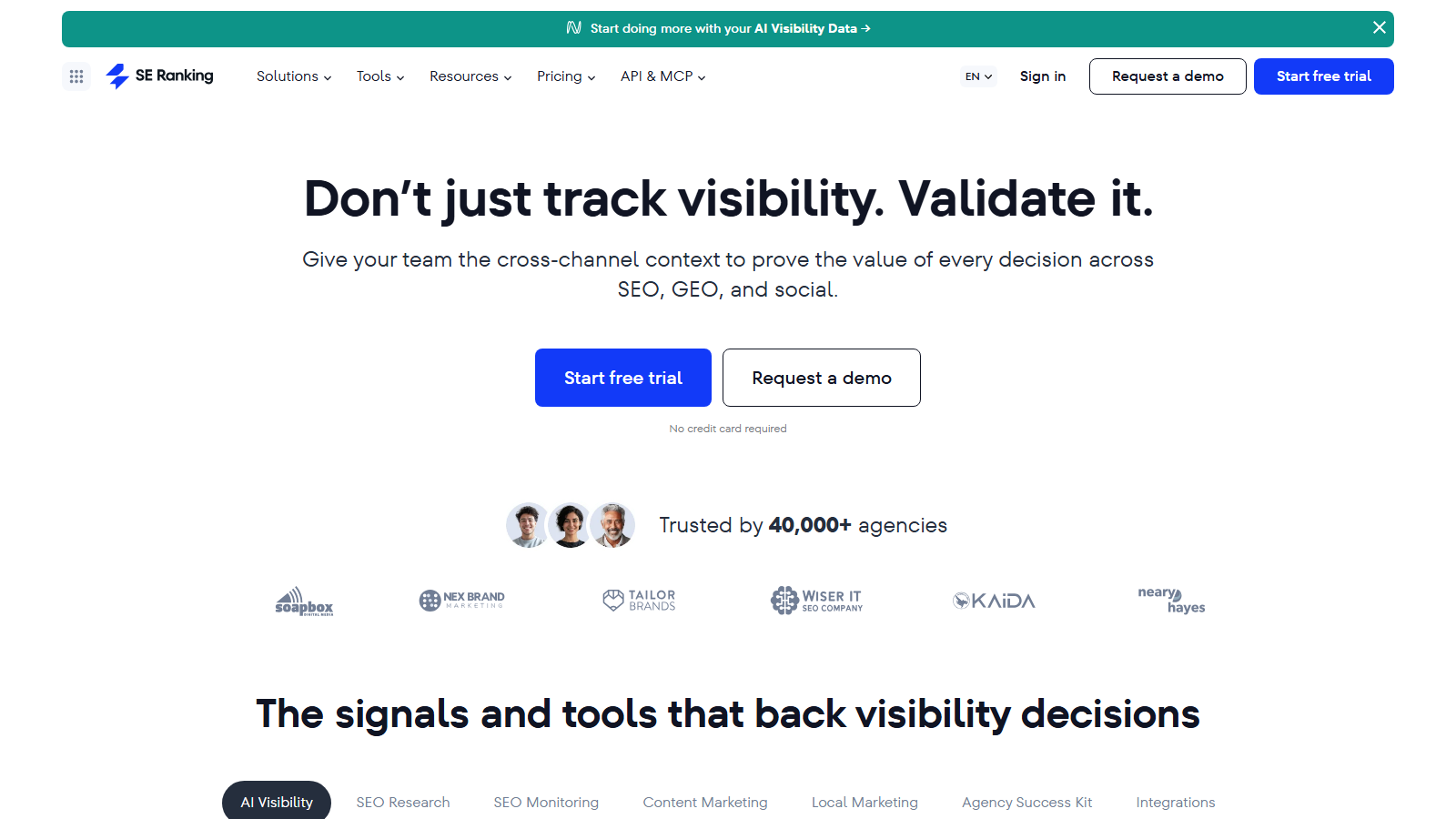
SE Ranking is an all-in-one SEO tool like Ahrefs, but it’s designed to be more of a middle-ground solution, as it offers most of what its more expensive competitors do, but at a more affordable price. It’s also a game-changer today for its AI Results Tracker that provides metrics useful in the novel AI search industry.
It’s one of the best SEO tools for beginners, thanks to its intuitive interface that’s also suitable for seasoned users. It features a strong keyword tracker, provides both organic and paid keyword strategy analysis of your competitors, and can also perform backlink checks and content optimization. It’s also the best SEO automation tool for conducting detailed website audits.
Pros:
- Very cost-effective all-in-one SEO tool
- Intuitive interface for beginners and pros
- Monitors your site’s appearances in Google’s AI overviews
- Strong rank tracking capabilities
Cons:
- Limited API access
- Data isn’t granular enough
Best features:
- Content marketing and AI writing
- Keyword rank tracker
- Competitor research
Who benefits from SE Ranking the most?
- Small and mid-sized agencies
- Small businesses in need of detailed SEO insights
- Freelancers in several niches
SE Ranking is not a free SEO automation tool, but it does offer a 14-day free trial. Premium plans start at $65/month (Essential plan).
Semrush: Best for Managing an Entire Marketing Campaign
Semrush is another all-in-one tool, but this time, it’s a complete digital marketing suite. That’s because Semrush has evolved from an SEO tool to a digital marketing solution that helps you with almost every aspect of your marketing campaign. However, it hasn’t changed the meaning of SEO automation and still offers a complete set of SEO tools.
Semrush is continuously improving and has launched a new platform in 2026 that’s geared toward AI. It provides more advanced competitor analysis and integrates with various other tools used by large businesses.
Pros:
- A detailed all-in-one digital marketing platform
- Massive keyword database
- Long list of integrations that facilitate automation
Cons:
- Complicated platform with a steep learning curve
- Many features are paid add-ons
Best features:
- Keyword Magic tool
- Content marketing toolkit
- Traffic Analytics
Who benefits from Semrush the most?
- In-house marketing teams
- Digital marketing agencies
- Large enterprises
Semrush offers a limited free account and free trials, while premium plans start at $139.95/month (Pro plan).
Screaming Frog: Best for Deep Technical Audits
Unlike the previous solutions, Screaming Frog is not a general-purpose tool, but a specialized one for deep technical audits, and it’s the best SEO software for it. It conducts complete and detailed audits for both small and large sites, accommodating a wide range of companies and site owners.
With JavaScript powering most sites today, Screaming Frog remains and will remain key for a while. It’s all due to its ability to effectively crawl JavaScript sites with ease. Plus, it integrates fully with Google Search Console and merges its own crawl data with Google’s performance data.
Pros:
- Unparalleled technical SEO audit capability
- Very affordable and free for up to 500 URLs
- Comes with numerous important integrations
Cons:
- No online solution, has to run on computer
- Highly specialized tool just for technical audits
Best features:
- Crawls JavaScript and renders pages
- Finds broken links and redirects
- Uncovers duplicate content pieces
Who benefits from Screaming Frog the most?
- Technical SEO professionals
- Web developers
- Site administrators
Screaming Frog features a free version with a crawl limit of 500 URLs. The premium plan, which offers no limits and additional features, is $279 per year.
Google Search Console: Best for Data Straight From Google
This is not a recommendation, but an obligation, thankfully, a free one. I say that because every website owner who wants their site to appear in Google’s searches must have the Google Search Console (GSC). It’s effectively a mediator between your site and Google. The metrics it provides are from Google, so they are the most definitive ones you can get on your website.
Although it’s a must-have and has the brand power of Google, it’s not a tool without updates. It’s also following the latest AI trends and now provides real-time AI-powered SEO suggestions. As they are coming from Google, they are essential if you want to appear in AI overviews.
Pros:
- Definitive data straight from Google
- Entirely free to use
- Core Web Vitals reporting
Cons:
- Limits historical data to the last 16 months
- No additional SEO tools
Best features:
- Full performance report
- Core Web Vitals report
- URL inspection tool
Who benefits from Google Search Console the most?
- Every website owner
- Every marketer
- Every SEO specialist
Google Search Console is completely free to use and has no paid plans. It’s open to every website owner.
AI SEO Tools
Automation removes the repetitive work; AI tools go a step further and assist with the thinking, keyword intent, content optimization, and tracking how your brand shows up in AI-powered search results. Depending on the tool, AI can support your keyword research by surfacing missed opportunities and decoding real search intent, generate and refine content, improve on-page elements like keyword integration and readability, and analyze traffic and engagement to suggest improvements to your content marketing. Here are the AI SEO tools worth your attention, with their best features, drawbacks, main demographic, and pricing.
Ahrefs: Best for Full SEO Analysis

Ahrefs has been the number one SEO tool in the digital marketing industry for several years due to its complete feature set. Its AI integration only enhances its infrastructure and functionality.
- In-depth keyword research: Ahrefs’ AI-powered tech searches billions of keywords, discovering high-value topics and decoding search intent.
- Massive backlink database: Ahrefs analyzes trillions of URLs and backlinks to help you see how you stack against competitors.
- Content optimization: AI can compare your content with top-ranking pages to highlight gaps or weak spots, and you can chat with it to brainstorm ideas and get practical feedback.
These advantages, along with Brand Radar, SERP history tracking, content inventory, and more, make Ahrefs the best AI SEO tool on the market, by far. However, its steep pricing structure, starting at $129/month for the limited Lite version, keeps it inaccessible for businesses or individuals with tight budgets.
Pros:
- Detailed keyword research
- Top-notch backlink analysis and Brand Radar
- Reliable content brainstorming and optimization
Cons:
- High price tag
- No free trial
Semrush: Best for Brand Visibility Review
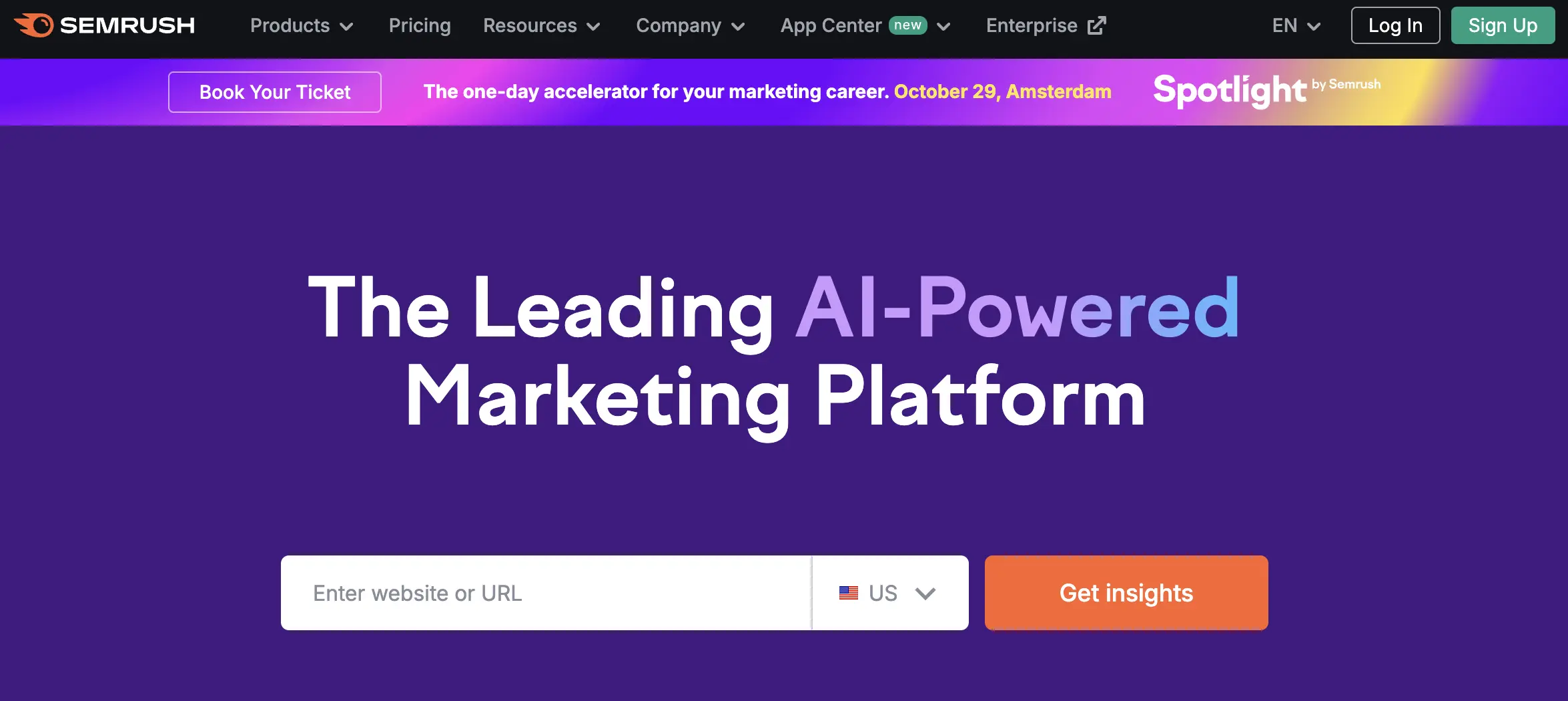
Semrush is another long-standing, feature-rich SEO tool on the market. Like Ahrefs, it has upgraded most of its capabilities with AI. However, it’s the AI-powered toolkit, designed to monitor and boost brand performance, that helps the brand stand out from the crowd.
- Brand visibility: Semrush checks your brand’s presence in AI-powered search results to show how much traffic it commands compared to competitors.
- Brand presence across different AI platforms: The tool looks into Gemini, ChatGPT, and Perplexity results to discover where you need to adjust your strategy.
- Consumer intent and sentiment: This AI-driven SEO solution discovers why people are searching for your brand and what their perception of it is.
With AI platforms taking over search engine results, Semrush can be useful for tracking your market position and audience engagement. Note that the AI toolkit is a paid add-on on top of the base plan, which pushes the total cost close to Ahrefs territory. The good thing is that it offers a free version, making it one of the best free AI tools for SEO that a beginner can use.
Pros:
- Brand analysis across multiple AI platforms
- Detailed insights into consumer engagement
- Free version, trial, and online demo for SEO newbies
Cons:
- AI toolkit paid extra
- Overwhelming number of features
Surfer SEO: Best for Content Creation
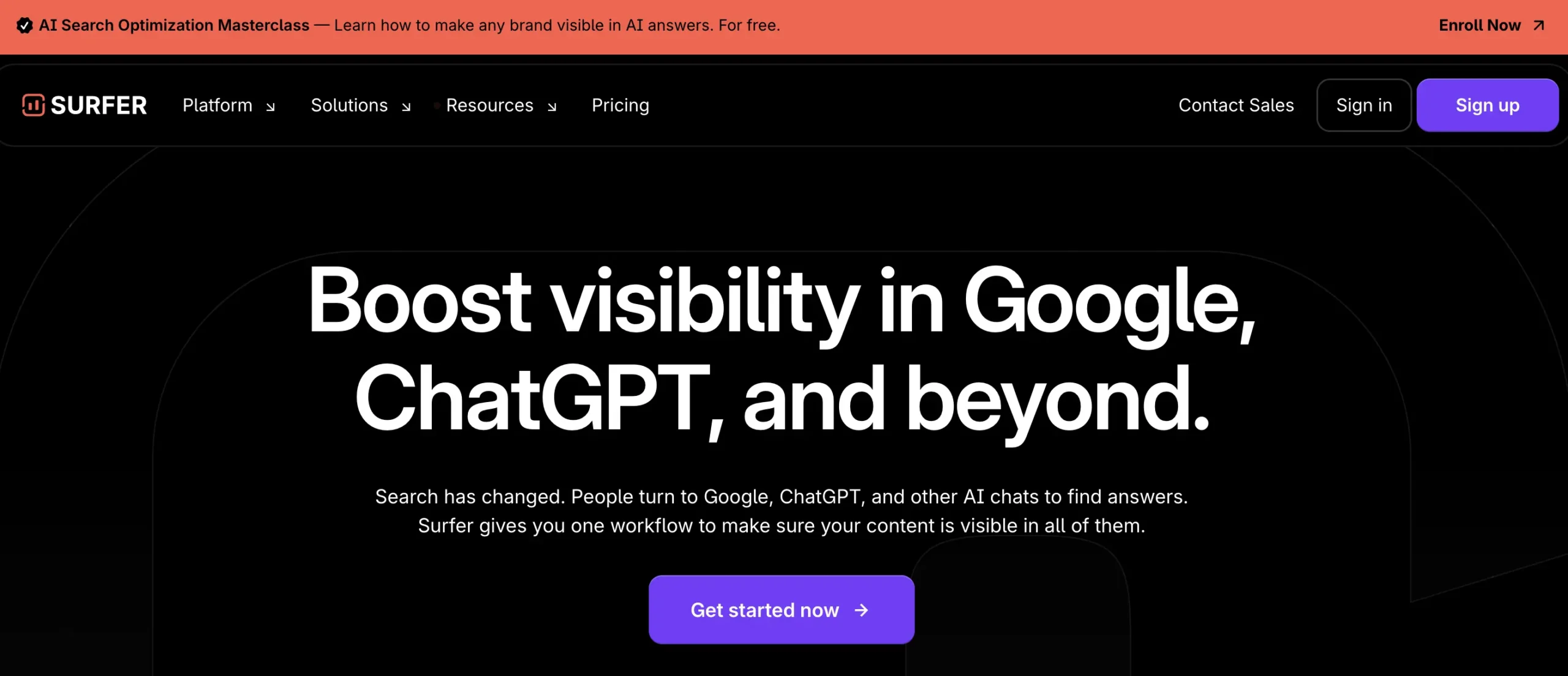
Surfer SEO is a solid middle-range solution for digital marketers. It’s pretty old-school in its optimization suggestions, but its AI-driven writer can create decent-quality content with the right adjustments.
- Content writer: Surfer SEO will create content around a keyword you choose, allowing you to adjust its layout, tone, natural language level, and other elements in seconds.
- AI-based content refining: Its AI engine helps the tool fact-check, spot and eliminate repetitions, as well as improve cohesion and coherence of the text.
- On-page SEO: This tool uses competitor content analysis to recommend relevant keywords, internal and external links, and ideas for building topical authority.
These Surfer SEO AI capabilities work best for small content creators and bloggers. They offer valuable data-backed guidance but still require writing and SEO experience to filter suggestions and turn them into high-quality, well-ranking content. They also come at $79/month for the Essential plan, which fits smaller budgets better than Ahrefs and Semrush.
Pros:
- AI content writer and optimizer
- In-depth competitor pages analysis
- Insight-driven on-page SEO suggestions
Cons:
- Uses some obsolete optimization techniques
- Requires writing and SEO know-how
Frase: Best for Content Planning
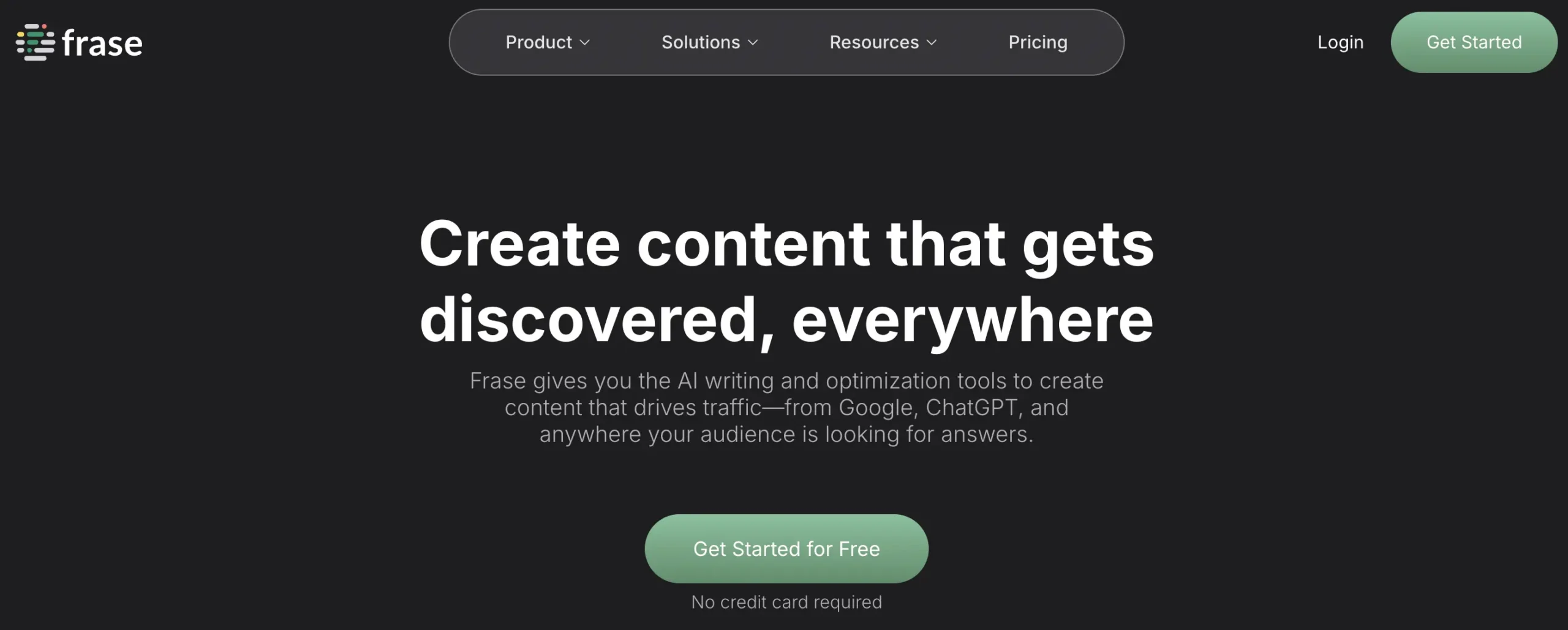
Frase isn’t as widely known as the other tools we’ve reviewed, but it offers AI SEO optimization to compete with them. Despite some gaps in the keyword metrics department, it has found its way into our top list thanks to its solid research capabilities and actionable recommendations for content creation.
- SERP analysis: Frase uses AI to dig through top-ranking pages and provide insights into topics, keywords, and stats that make them perform well.
- Existing content optimization: By entering URLs, you can have this tool scan through old content and make actionable recommendations about its outline, keyword integration, and topics to boost your ranking.
- AI content assistant: Frase’s AI Article Wizard can provide prompts and generate detailed briefs based on its assessment of other well-performing content.
Because Frase also supports assigning tasks, managing projects, and organizing workflow, it’s an excellent choice for SEO managers. At only $45 per month, it’s also one of the cheapest paid AI-powered SEO tools you can find on the market.
Pros:
- Extensive SERP analysis
- Valuable AI-powered prompt and brief generation
- More reasonable price
Cons:
- Results require manual editing
- Lacks refined keyword research metrics
RankIQ: Best for Beginner Content Creators
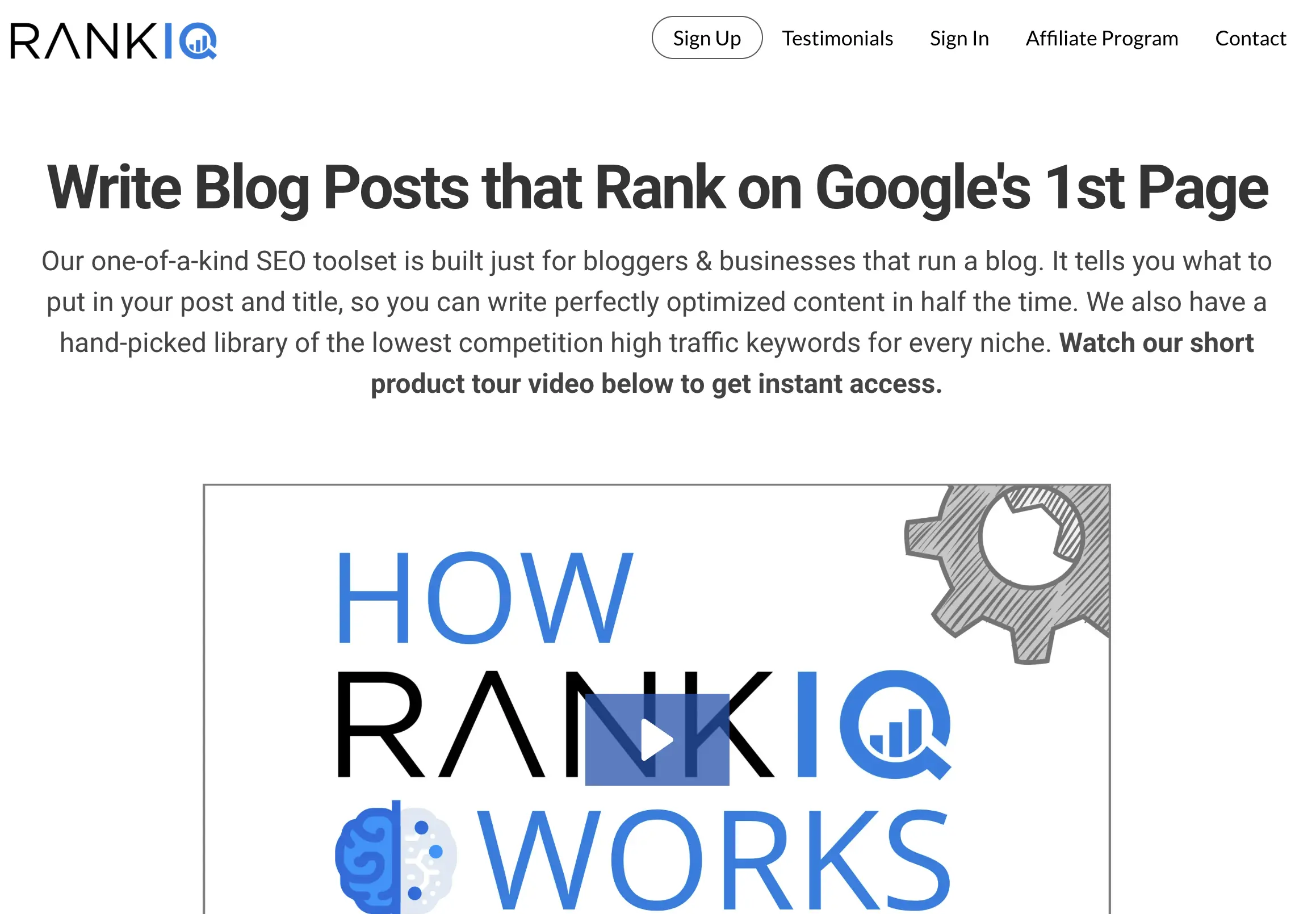
RankIQ is the youngest among the best AI SEO tools on this list. It was built with bloggers and small businesses in mind, featuring a user-friendly interface and helpful AI-powered content recommendations.
- Easy-to-use tool: RankIQ features a minimalist interface that almost completely eliminates the learning curve. Navigation and daily use require no experience or expertise.
- SEO reports: Thanks to AI technology, this tool offers keyword, word count, topic, and title suggestions for your content so it can score higher in search engines.
- Keyword library: You can use RankIQ to choose the best low-competition keywords for your niche and authority ranking so you reach your target audience more easily.
RankIQ does lack the advanced features you get with Ahrefs or Semrush, like backlink analysis or site traffic tracking. Still, its pricing plans start at $49/month, so it’s much more affordable than these brands. It’s really all you’ll need if your sole concern is content and you’re still learning about SEO.
Pros:
- Beginner-friendly user experience
- Complete AI-based reports
- Niche, low-competition keyword library
Cons:
- No advanced SEO features
- Focus on content creation
Best SEO Plugins for WordPress
If your site runs on WordPress, part of your toolkit lives inside the CMS itself. A plugin is often the best SEO tool WordPress users can install, because it works directly where your content is created, handling metadata, sitemaps, schema, and on-page analysis without leaving the editor. Below, we cover what these plugins do, how to choose between them, and which one is the best SEO tool for WordPress in each category.
Search engine optimization plugins can add value to your site through:
- Keyword research and generation
- Analyses of current market demands and competitors
- Reports on traffic, user behavior, and sales
- Evaluation of your content and site structure
- Link building and checking services
- Identification and resolution of technical issues
Choose the best WordPress SEO plugin, and these features will boost your website’s visibility and rank in search engines. You’ll end up with more qualified traffic, higher conversion rates, and more revenue, whatever your niche.
How to Pick the Best SEO Plugins for WordPress
Picking the best SEO plugin for WordPress isn’t the most straightforward task. The vast number of available options can be overwhelming, particularly for those with little or no experience. Here are some key factors to consider during this SEO plugin hunt.
- Your objectives, The first step to choosing the best SEO WordPress plugin is considering your goals and expectations. Think about what you want the tool to accomplish for your website and, by extension, your business. Try to single out brands known for the capabilities you need addressed.
- Features and functionalities, Designed for search engine optimization, all these plugins come with a similar selection of features. However, they excel in different areas of SEO. Ensure you pick the ones that best match your specific performance needs.
- Compatibility, If you’ve already built your website, you are probably using some plugins. To avoid technical and functionality issues, you must look for an SEO WordPress plugin that’s compatible with these choices.
- User experience, Whatever your experience with WordPress and SEO, the plugins you choose should be easy to use. So, consider their interfaces and navigation features when making the final decision.
Yoast SEO: Best for Beginner-Friendly On-Page SEO
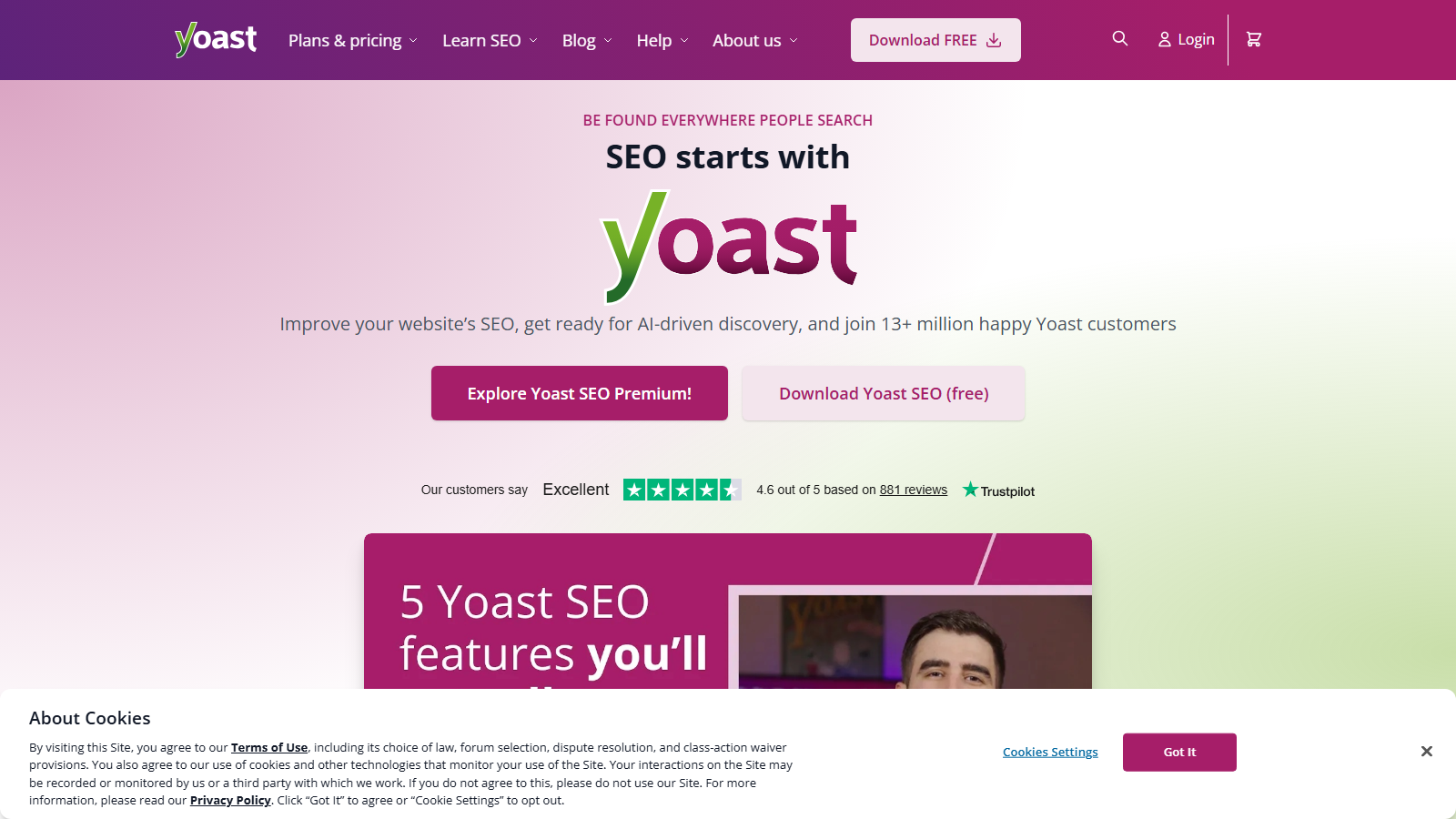
Yoast SEO has been a user favorite in the WordPress community for over a decade. If you’re looking for a tried-and-true option that would suit beginners as well as seasoned website builders, it’s the perfect tool. Its complete service offer covers a broad range of on-page optimization needs without being overwhelming to use. Plus, it comes with elaborate introductory courses and provides helpful suggestions on the overall improvement of your site’s performance.
Pros:
- Automatic XML sitemap generation
- Excellent readability and content analyses
- Quick meta tag and keyword optimization
- Simple Google Search Console configuration
- Easy integration with a range of other software
Cons:
- Lacks some advanced features competitors offer
- Occasional indexability issues
SEO Framework: Best for a Lightweight Setup
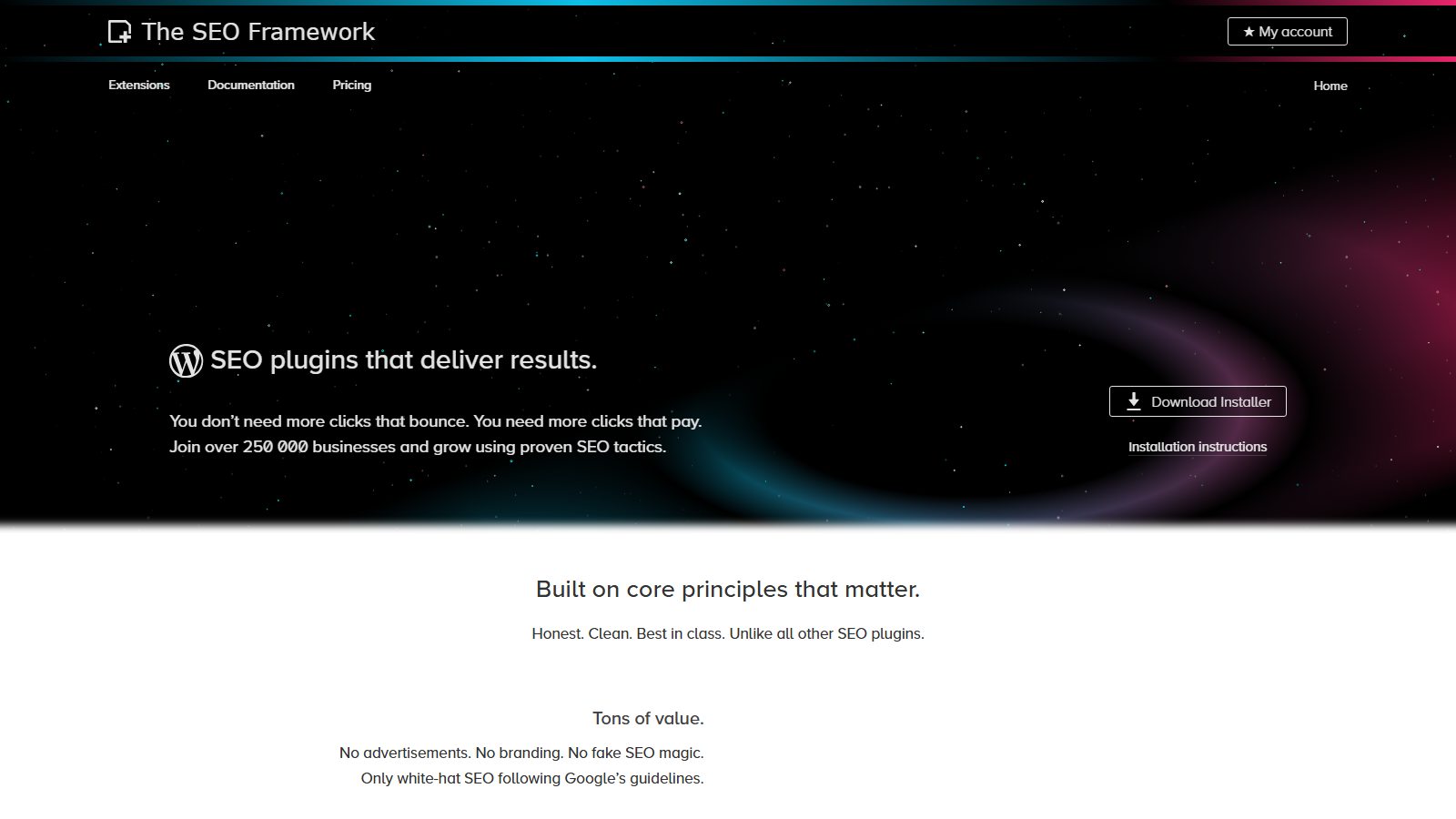
SEO Framework isn’t as well-known, but it is just as valuable an SEO plugin for WordPress as the first tool on our list. The plugin has the lightweight design and simplicity Yoast SEO was known for in the past. Plus, it includes advanced site management features. The free version will cover all your initial optimization needs, while the paid versions offer enough additional functionality to help your website grow steadily. If you’re looking for a clean and easy-to-use tool with a decent selection of pre-configured SEO settings, SEO Framework is the way to go.
Pros:
- Streamlined integration with the WordPress dashboard
- Detailed content and SEO analyses followed by recommendations
- Automated meta title and description creation
- Control over individual pages’ and posts’ social visibility
- No-advertisement policy
Cons:
- Feature descriptions overly technical for newbies to grasp
- Various unnecessary extensions in the advanced plans
RankMath: Best for Keyword Ranking and Schema Markup
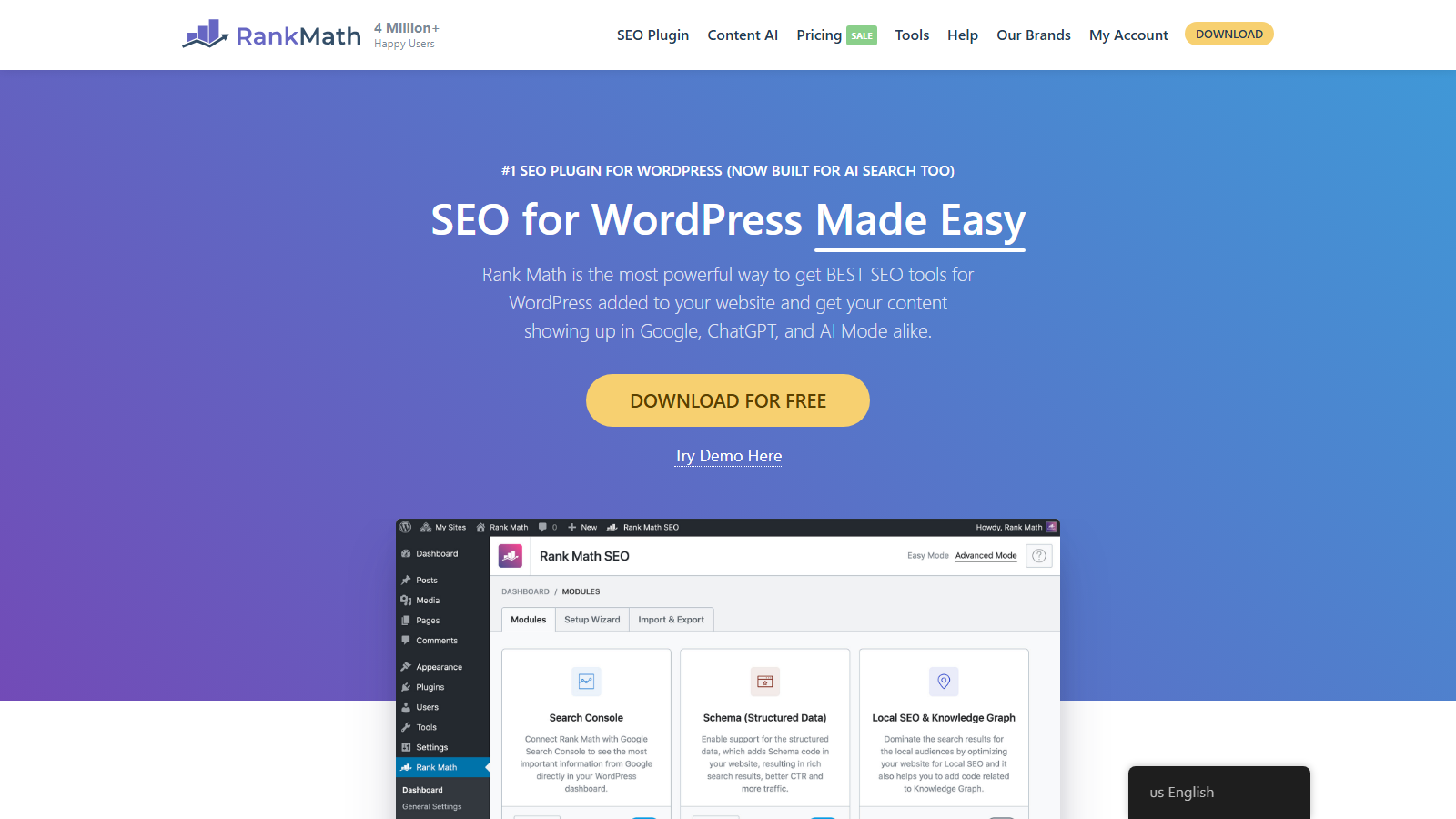
RankMath is among the newest tools on the market. However, its powerful and affordable capabilities made it reach the top of our best SEO plugin for WordPress list in no time. Website developers favor it, first and foremost, for its simple-to-use interface and unique optimization features. Its smooth integration with other page builders and editors adds another layer of convenience.
Pros:
- Exceptional built-in keyword ranking
- Solid schema markup capabilities
- Useful suggestions based on AI content analysis
- Sophisticated scoring practices
- Customizable settings
Cons:
- Its feature offer can be daunting for beginners
- Extensive feature use can have a negative impact on speed
All in One SEO: Best for Essential SEO on a Budget
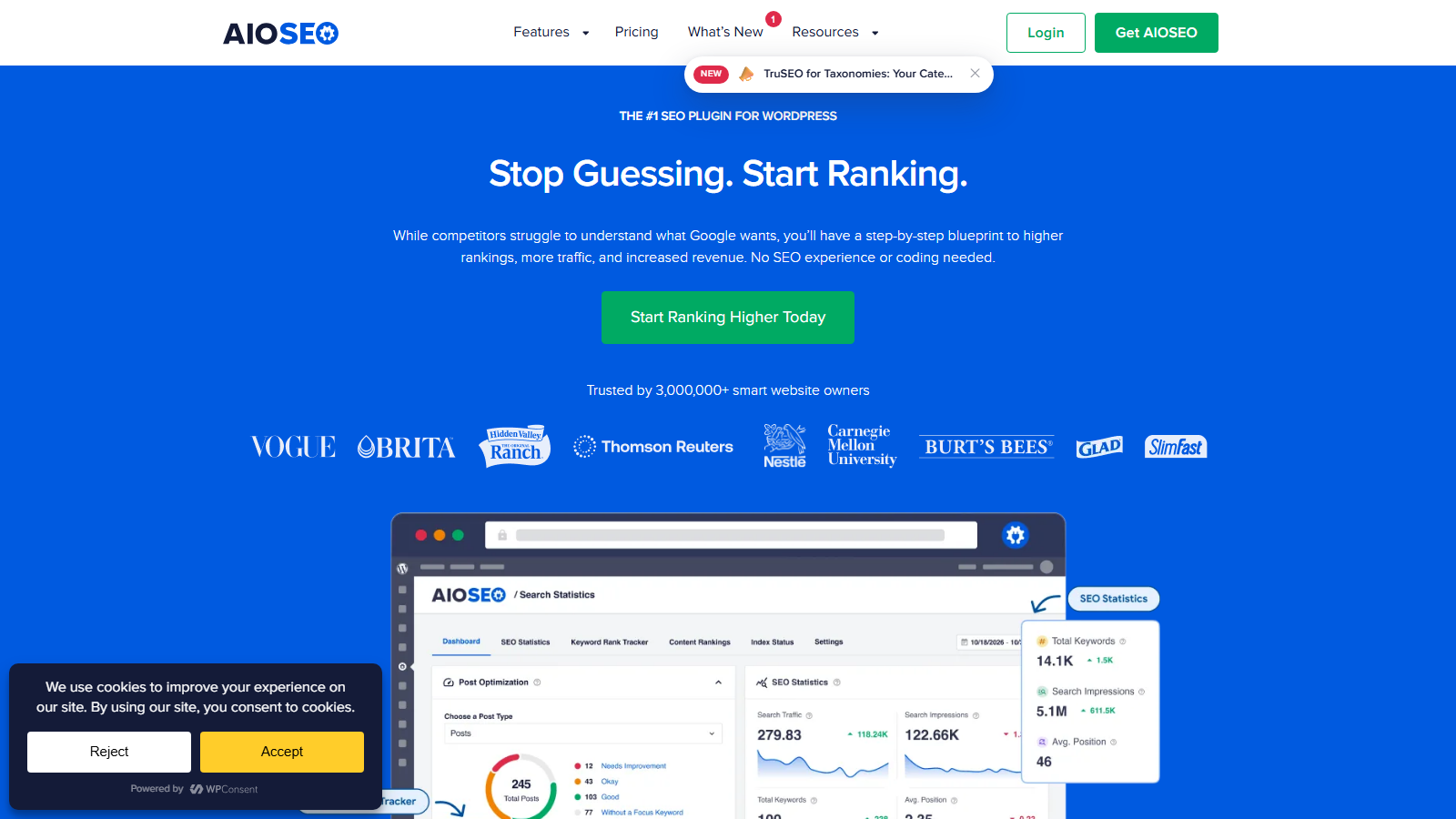
AIOSEO stands on par with our best SEO WordPress plugins in terms of power and popularity. In a few years of operation, the service gathered over 3 million active users worldwide. It can be a bit too expensive for the range of extensions it provides in its more advanced plans. Nevertheless, the tool’s standard plan includes all the essential SEO resources for a decent price. What’s more, the regular updates to its functionality, interface, and appearance bode well for the future.
Pros:
- Sleek and user-friendly interface
- In-depth SEO audits and reports
- Meta tag generator with dynamic values
- Elaborate sitemap functionality
Cons:
- Premium offerings may not be worth the price
- SEO customization limitations
SEOPress: Best for Easy Onboarding and Setup
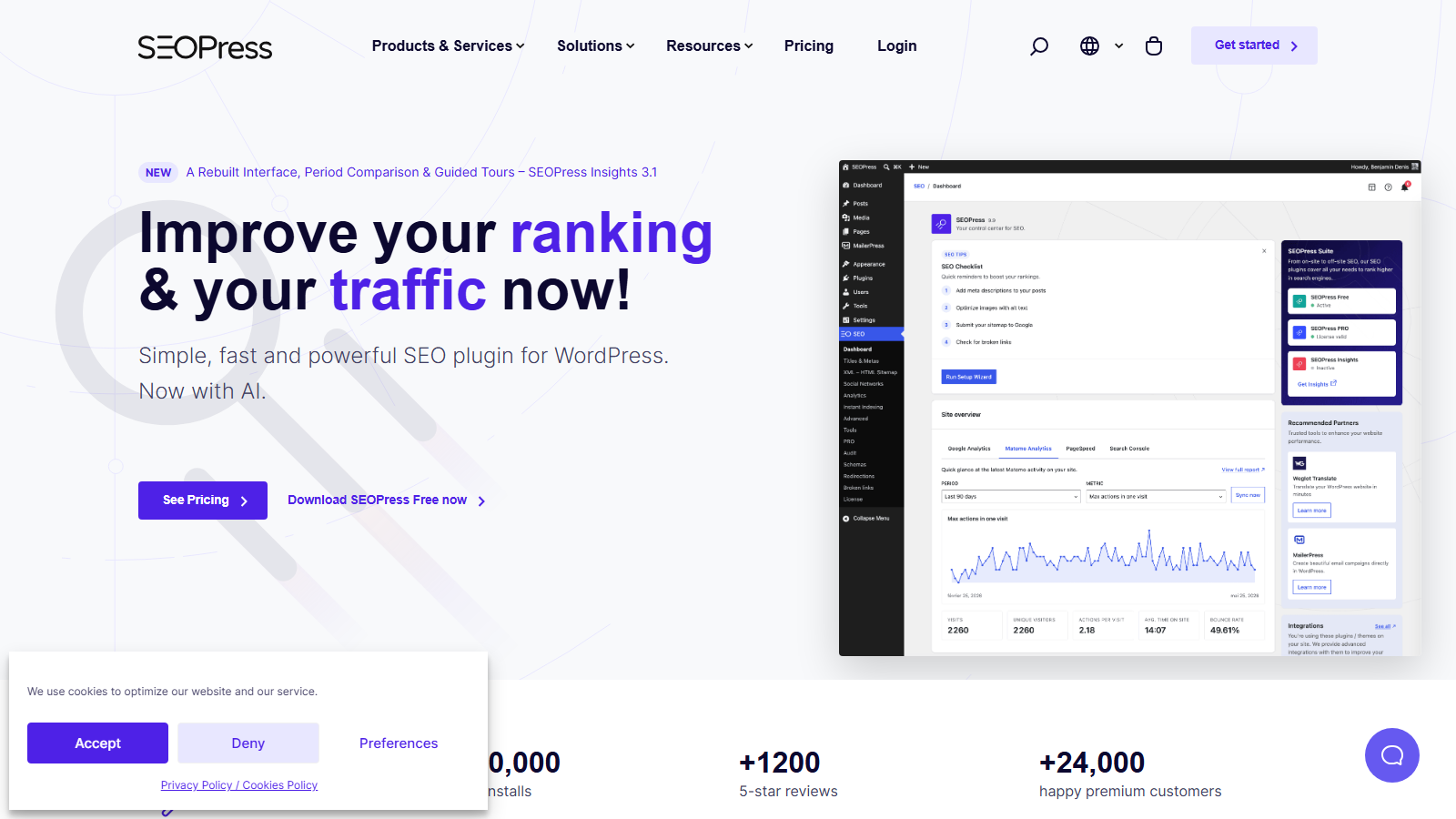
SEOPress is among the lesser-known tools listed in our best SEO plugin for WordPress guide. Nonetheless, its user feedback and ratings are far too positive for it to be overlooked. During testing, the software shined in the onboarding and navigation departments. Its setup wizard was easy to figure out, and its neat interface and modular build highly accessible. With great Google tools integration and a configurable cookie bar, it secured the fifth place on our list hassle-free.
Pros:
- Easy-to-use interface and content manager
- Complete SEO metabox
- Great Google plugin integrations
- Configurable cookie opt-in bar
Cons:
- Gaps and issues in documentation
- Possible bugs in certain features
SEO Reporting Tools
Tracking your work matters as much as doing it, reporting tools turn raw ranking, traffic, and backlink data into something you can act on and show to clients or supervisors. Here are the five reporting options we’d recommend, from full-suite platforms to free dashboards.
Semrush: Best for All-in-One SEO Reporting
If you are in need of the best SEO reporting tool overall, Semrush is an unprecedented pick due to its solid features, which give you an all-around solution. You can get a monthly or an annual plan and enjoy real-time traffic monitoring, simplified SEO reports, and an on-page SEO checker. The paid solution features especially useful and advanced analytics, such as organic traffic reports, keyword research, full SEO audits, and position tracking.
It’s a perfect choice for businesses that rely on SEO optimization and site owners looking to get something more out of their SERP position tracking. You also get a content marketing tool and even the possibility to manage social media marketing optimization, which not every option comes with. It’s one of the best SEO reporting tools for agencies with PPC and organic search and link building, making it a great custom solution for your website.
Pros:
- Complete SEO reporting solution
- All-in-one SEO business report software with custom features
- Marketing and advertising features in paid plans
- Client workflow CRM management
- Daily tracking of your search engine position with advanced stats
Cons:
- The free plan is limited in terms of SEO analysis options
- Monthly plans can be very expensive, starting at $139.95 per month
Ahrefs: Best for Free Browser-Based Reporting
If you are looking for something less solid than Semrush, Ahrefs has a toolbar extension for your browser with all the essential metrics. Plus, it’s free SEO reporting software, so you don’t have to go for a paid package to get the basic options. They give you a full SEO reporting solution with daily domain tracking, URL rating, backlinks, keywords, and all the other metrics you could possibly need.
Of course, you also get recommendations of elements you should insert for search-friendly engine optimization, as well as a localized SERP analysis. You can also use the indexability bar, which lets you figure out if the page can be indexed and crawled, making Ahrefs’ free toolbar one of the best SEO reporting solutions.
Pros:
- On-page reporting and SEO analytics
- SERP tracking and localized metrics
- On-spot toolbar inspection straight from your browser
- Domain and URL ratings
Cons:
- Not as advanced as paid SEO reporting solutions
- No customizable features
KWFinder: Best for Keyword-Focused Reporting
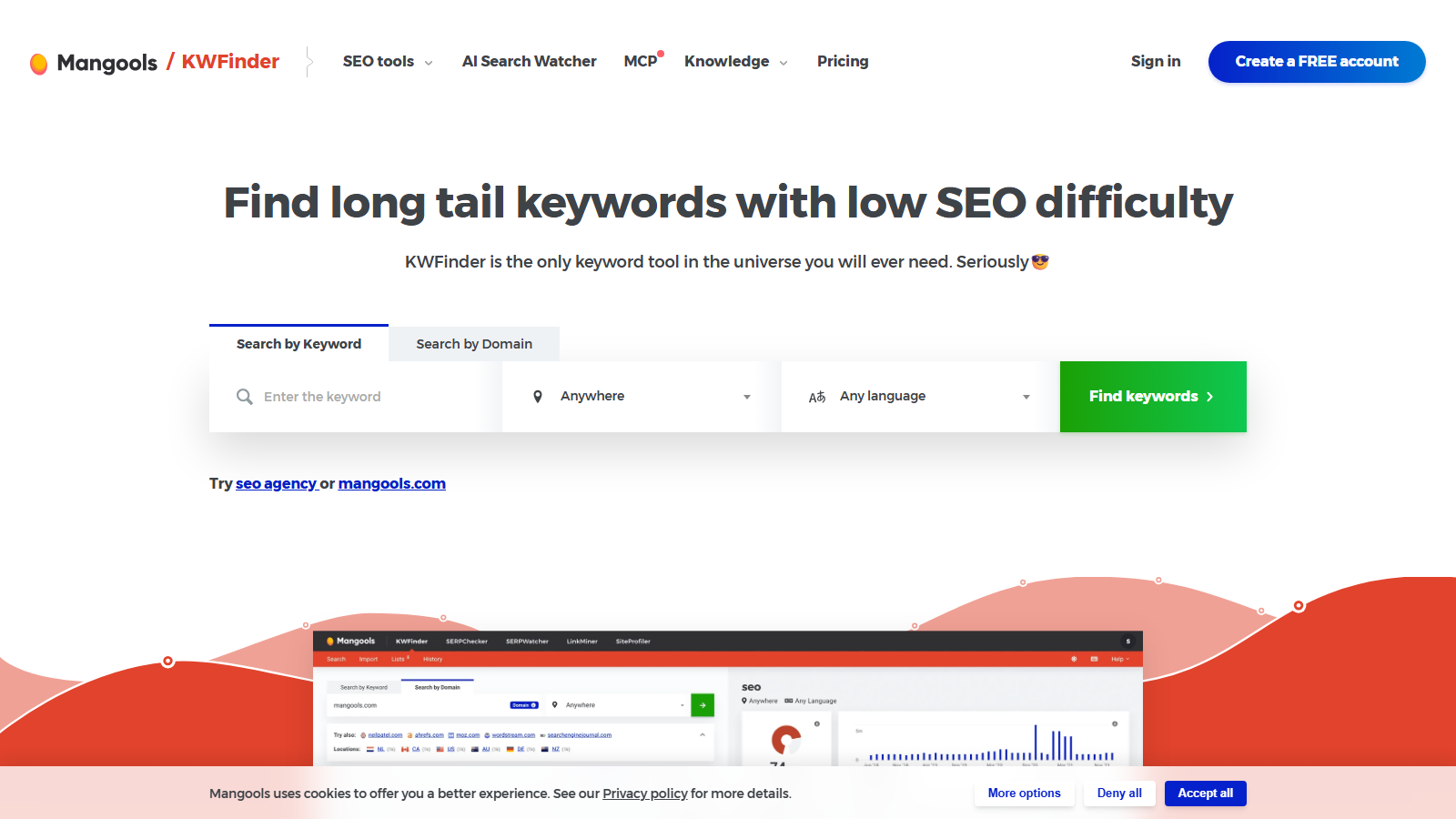
If you have a lot of written content, KWFinder is one of the best SEO reporting tools for you. It allows you to evaluate KW placement and create your keyword strategy while taking into account the closest competitors and their results. Plus, the tool offers features like SERP reviews, keyword placement difficulty analysis, search volume analysis, and many more.
You can also search domains by location and focus on your strategy with free and paid keywords. Plus, KWFinder gives you access to a feature that produces keyword ideas based on the monthly search volume of sites in your target niche and search result filtering.
Pros:
- Great for keyword research
- Excellent for keyword placement difficulty analysis
- Perfect for blogs and sites with lots of written pages
- Equipped with SERP analysis and content idea options
Cons:
- Limited functions of the free version
- Paid packages with keyword research limits
Google Analytics: Best for Free Engagement Reporting
If you are on the lookout for the best free SEO report generator software, Google Analytics hits the right spot. It’s not an ideal option for businesses with higher SEO needs, but if you need basic SEO reporting software free of charge, it’s the way to go. You can lean on the site tracker to follow engagement figures in real time and create a basic keyword research strategy with built-in tools.
It lets you keep all the relevant tabs open and checked at all times thanks to organic search, paid search, social, email, and other options. You also get to follow free keyword relevance research with an SEO reporting plugin perfect for driving traffic to your site without extra expenses.
Pros:
- Perfect for basic SEO performance tracking and organic search analytics
- Keyword research targeting
- Great option to follow daily traffic data
- Metrics displaying how much time users spend on your pages
Cons:
- Isn’t as good for organic keyword research as some business-grade paid options
- Might take some time for beginners to get accustomed to using the tool
Google Search Console: Best for Indexing and Performance Reports
While looking for the best SEO report tool for free, you can always stick with source options. Google’s Search Console analytics tool has a whole dashboard of advanced stats available for free, and you can use them to track both the SEO performance of your website in a certain period and the indexing.
You get to use some of the best SEO report software tools, including special tabs for URL inspection, sitemaps, HTTPS, and a full traffic chart. Still, it may not be the best option for beginners since there are no automated features, and you need to know your SEO stuff to apply the metrics. Also, you can’t see the full history of traffic updates, but that’s to be expected, considering this is a free tool.
Pros:
- Most advanced SEO performance analysis among free SEO reporting tools
- Great choice for page indexing reports
- Simple, intuitive, and easy-to-use design
- Page experience monitoring
Cons:
- Lacks proper position data analysis
- Doesn’t have any marketing or traffic engagement tools
Which CMS Is Best for SEO
Your tools can only take you as far as your platform allows, the CMS underneath your site shapes page speed, URL structure, metadata control, and how easily crawlers understand your content. Here’s how the six most popular SEO-capable platforms compare.
WordPress: Best for All-Around SEO Needs
Pros:
- SEO-friendly open-source code
- Extensive plugin ecosystem
- Full control over content
Cons:
- Manual hosting configuration required
- Too many plugins may bog things down
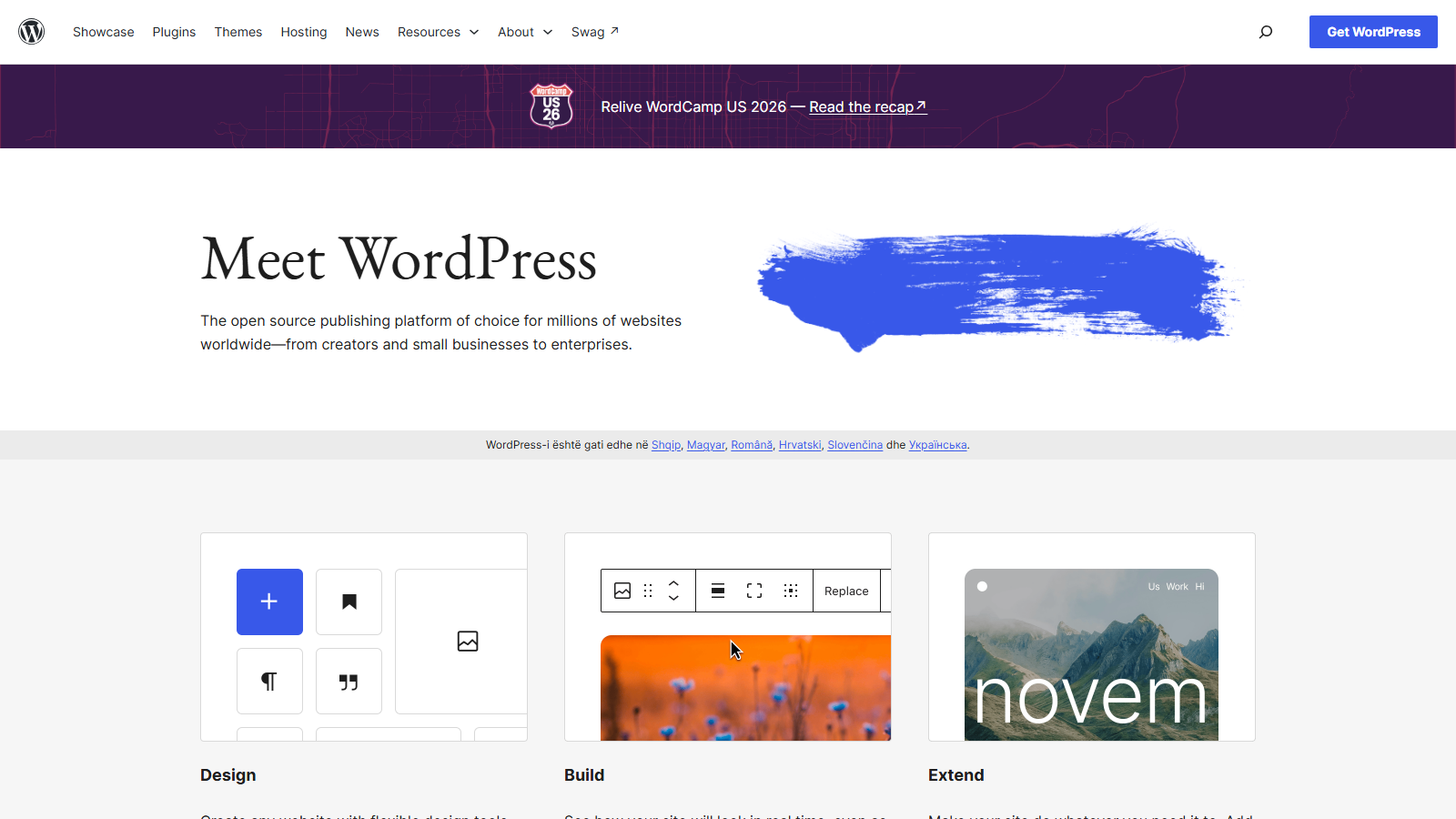
WordPress is the world’s top CMS by a long shot, powering almost 45% of all websites. Its mobile-responsive designs, customizable URLs and metas, and a massive list of nearly 60,000 plugins make it the best CMS for SEO.
Key features:
- Customization: WordPress’s theme marketplace lets you adjust every aspect of your site’s appearance.
- Powerful editor: Gutenberg, the platform’s powerful built-in drag-and-drop editor, excels at crafting visual blocks for all kinds of elements.
- Community support: If you get stuck at any point, the system’s massive user base is always ready to help.
Pricing: WordPress’s Personal plan starts at $3.25/month, provided you opt for the 2-year subscription.
Joomla: Best for Large or Complex Site SEO
Pros:
- Open-source platform
- Plenty of customization options
- Mobile-responsive themes
Cons:
- Significant configuration required
- Possible performance issues due to unoptimized templates
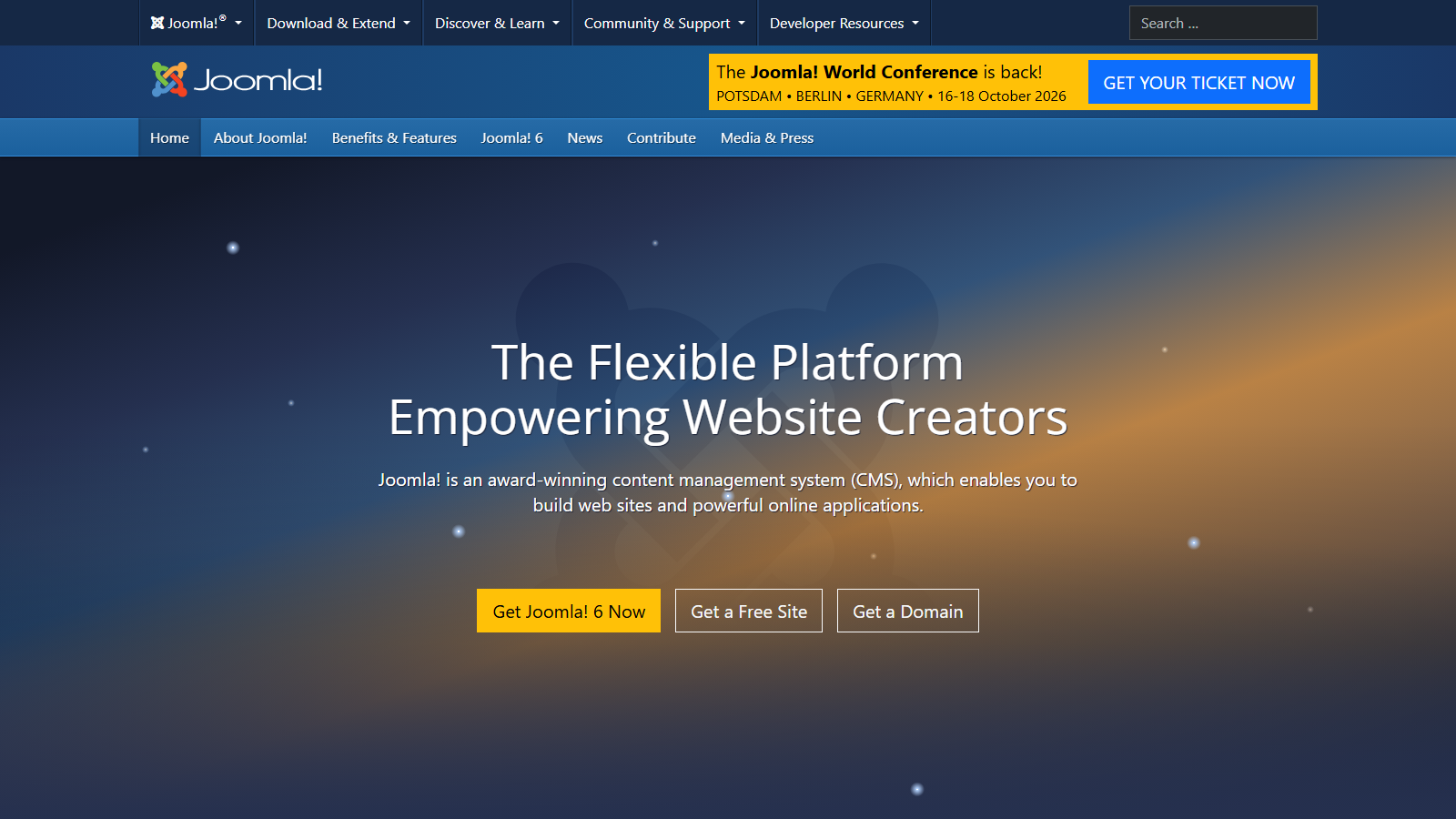
Joomla’s out-of-the-box SEO features are only a part of the story. There’s also a vast library of plugins available; after they’ve been enabled, this open-source platform turns into one of the best CMS for SEO. Though it’s not ideal for beginners, Joomla makes up for it by helping you craft fast-loading sites and optimize large platforms with complex structures.
Key features:
- SEF URLs: Joomla lets you create clean, easily readable, and keyword-rich URLs in seconds.
- Metadata customization: You get to control how your content appears in search results through easy title tag and meta description customization.
- Solid menu system: Joomla’s clear and consistent sitemaps make it easy for search engines to crawl your site.
Pricing: As Joomla is an open-source CMS, it’s free to use.
Drupal: Best for Scaling and Enterprise Needs
Pros:
- Solid security
- Easy on-page customization out of the box
- Strong performance, even at scale
Cons:
- Steep learning curve
- Skilled devs needed for proper configuration
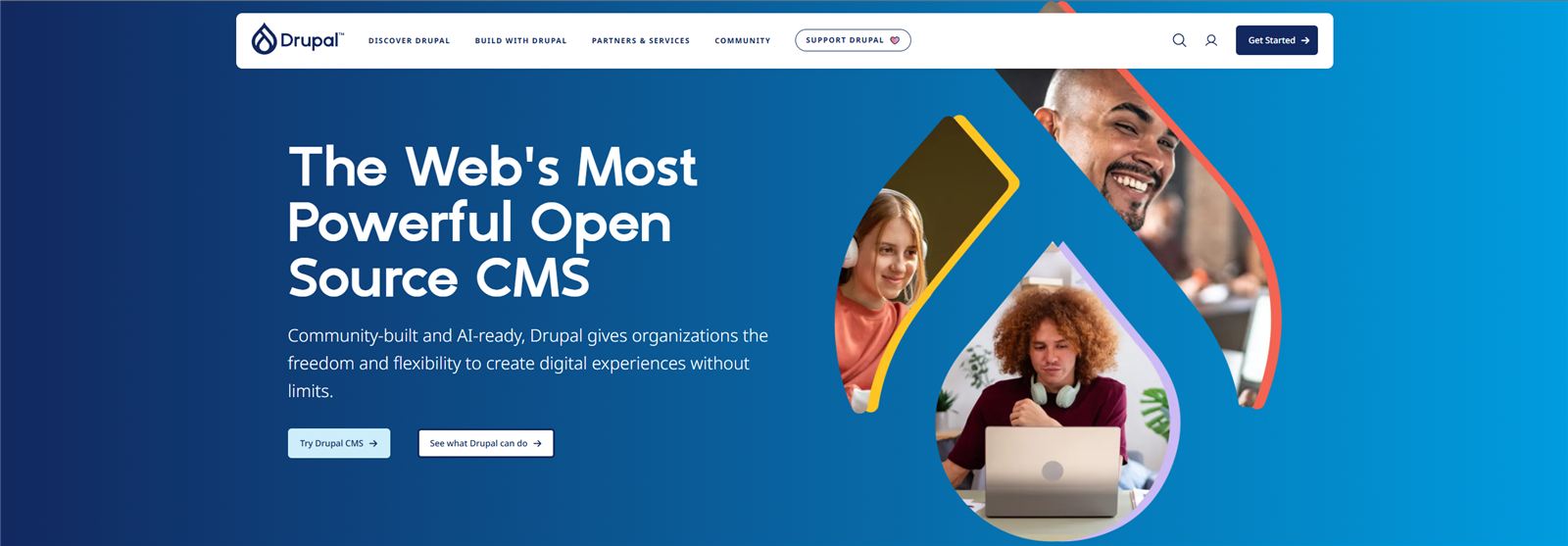
Drupal is an open-source content management system. Though it’s not the most beginner-friendly, tech-savvy users will enjoy building complex sites with it, as it offers great scalability. Its AI integration and API-first approach also make it a game-changer for optimization.
Key features:
- Clean URLs: Even automatically generated URLs in Drupal are easily readable by both users and crawlers.
- Real-time SEO feedback: Drupal offers suggestions as you create or edit content to put you on the right track from the very start.
- Flexible content organization system: Drupal’s taxonomy system helps users organize content for better search engine understanding and site indexing.
Pricing: While Drupal is free to use, developer costs can vary significantly.
Magento: Best for B2B and B2C E-commerce Platforms
Pros:
- Open-source license
- Automated XML sitemaps
- Granular control over meta tags and URLs
- Smooth scalability for growing businesses
Cons:
- Resource-intensive platform
- Requires a significant level of technical knowledge
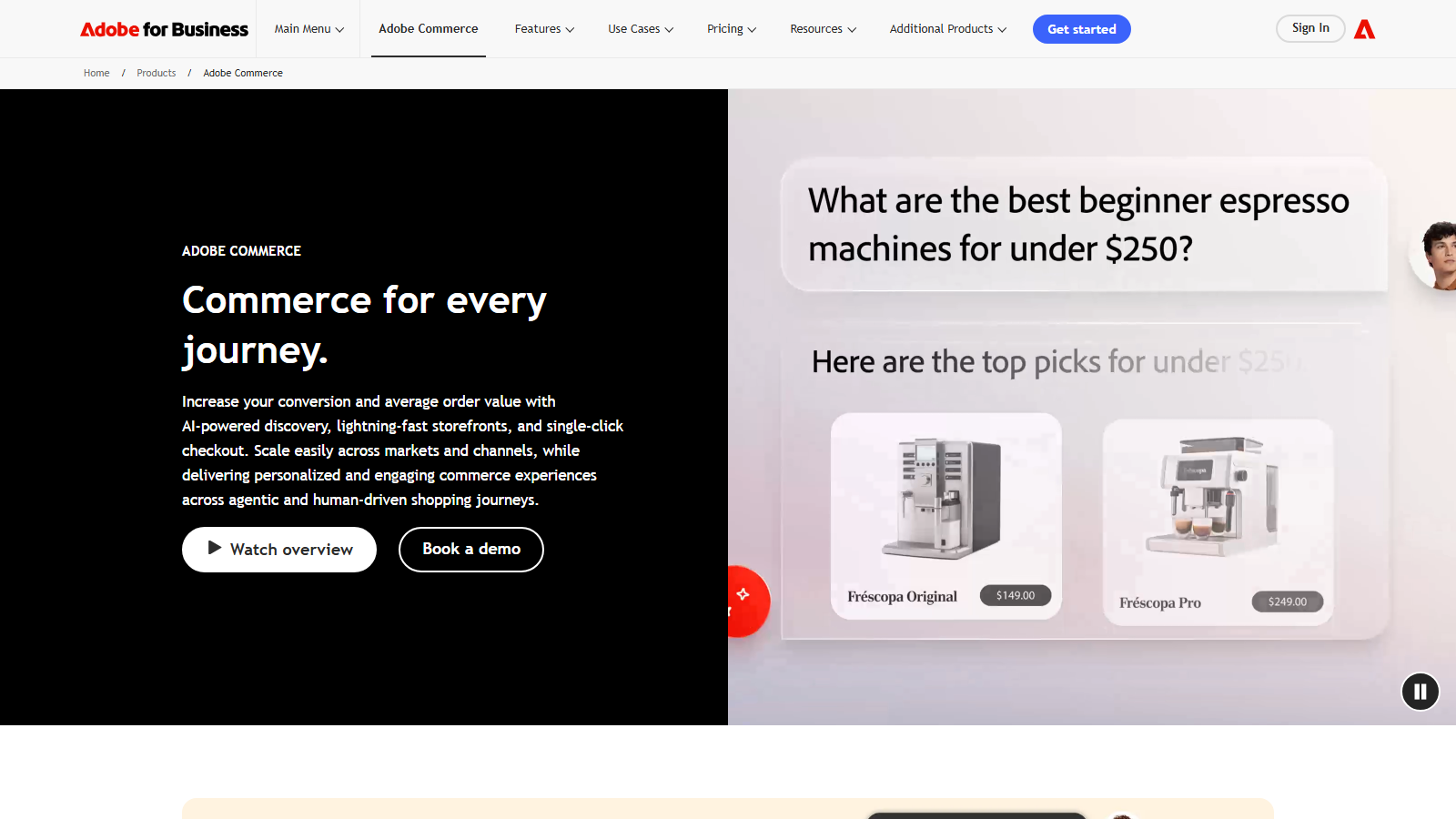
Magento is an easily scalable CMS solution focused on e-commerce. It’s got plenty of optimization tricks up its sleeve, from built-in tools for technical SEO to efficient on-page content management. As such, it’s the ideal choice for anyone planning to launch B2B or B2C platforms in 2026.
Key features:
- Vast extension library: Magento’s capabilities improve drastically once you start taking advantage of its 4,400+ add-ons.
- Easy URL management: Say goodbye to duplicate content with Magento’s canonical tags.
- Social media integration: Magento is fully compatible with all major social networks, allowing you to drive more traffic to your site.
Pricing: Although the Commerce version can be expensive, Magento Open Source is entirely free.
Sitecore: Best for Businesses With Extensive Digital Presences

Pros:
- Advanced tools for AI-driven site search
- Built-in analytics and reporting tools
- Enterprise-level scalability
Cons:
- Advanced SEO functionality on the pricier side
- Steeper learning curve compared to other CMS platforms
Although technically a digital experience platform (DXP), Sitecore offers plenty of content management tools for enterprises. SEO experts across global companies and customer-centric businesses love building with Sitecore, as this cloud-native, headless CMS offers advanced reporting and multilingual support, while maintaining brand consistency.
Key features:
- Out-of-the-box SEO tools: Even without any extensions installed, Sitecore allows you to optimize titles, meta tags, image alt texts, and URLs.
- Sitecore Experience Accelerator (SXA): Sitecore’s SXA toolset makes following SEO best practices easy.
- Semantic HTML: With Sitecore, you can generate clean HTML that complies with the necessary standards for better SEO performance.
Pricing: Sitecore’s subscription costs depend on customization, maintenance, site visits, chosen add-ons, and other similar factors.
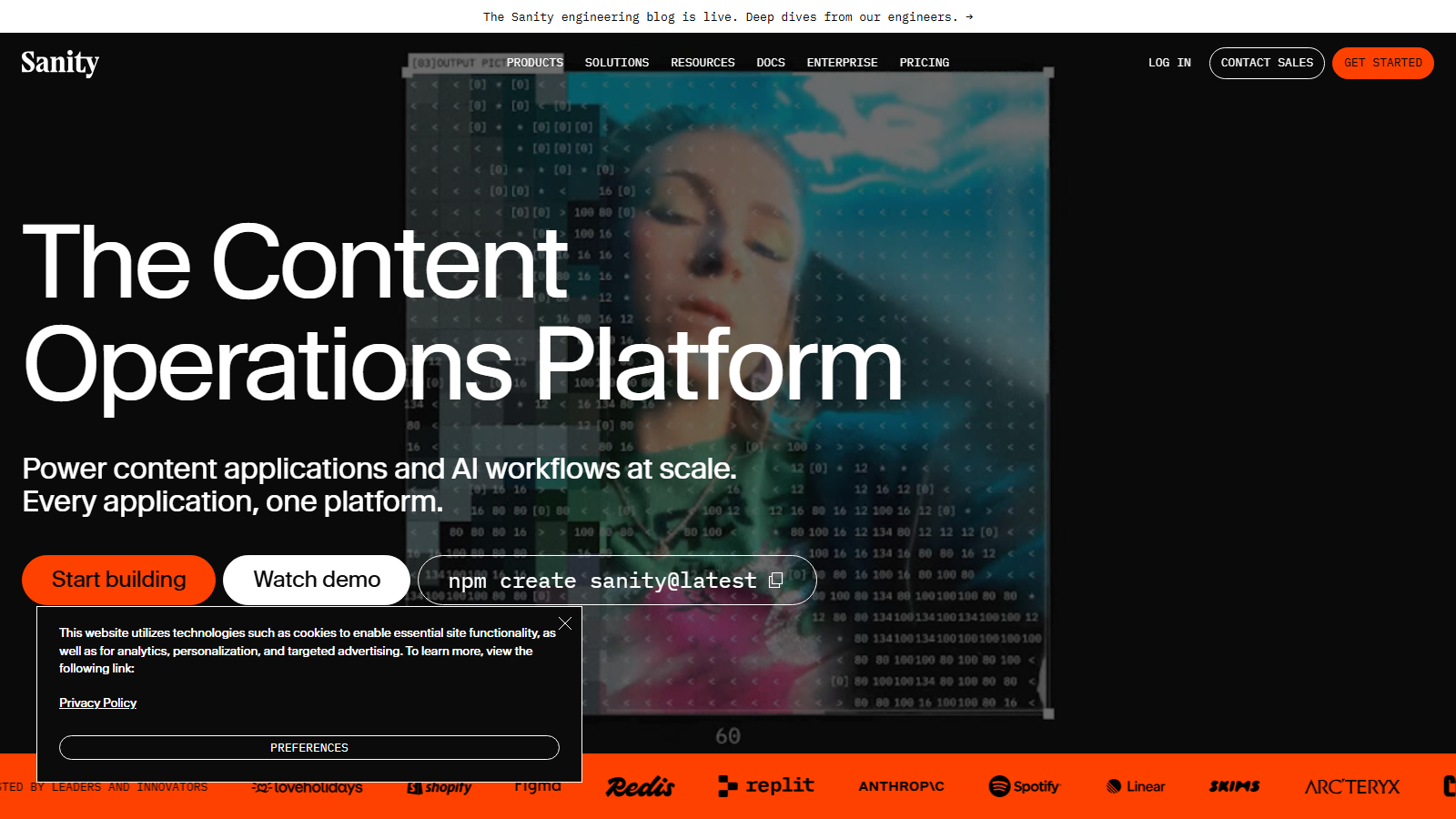
Sanity: Best for AI-Ready, Omnichannel Content Operations
Pros:
- Structured content reusable across web, app, and AI surfaces
- Query only the fields each surface needs through GROQ and APIs
- Fully customizable editing workspace
Cons:
- Requires developer involvement to set up and maintain
- Less plug and play than traditional CMS platforms
Sanity is a Content Operating System for teams whose content needs to rank in search and answer correctly inside AI agents. Content lives in the Content Lake as typed, schema-defined data, decoupled from any single template, so the same product page, policy, or article can populate a marketing site, a mobile app, and an LLM’s context window without duplication.
Key features:
- GROQ and APIs: Query exactly the fields you need for any surface, including structured data for SEO and grounded answers for agents.
- Sanity Studio: A customizable React workspace shaped to your editors’ workflow.
- Agent API and Content Releases: These govern how updates propagate across channels and how agents act on content.
Pricing: Sanity starts free, Growth is $15 per seat per month, and Enterprise pricing is custom.
When weighing these platforms, consider your team’s expertise and look for a platform that matches it, the content type you’ll need to post and manage, and the platform’s scalability, it should follow your business as it grows without any hurdles. There’s no single best content management system for SEO: WordPress comes closest as an all-around solution, Joomla beats it at mobile-friendly design, Drupal wins in the security department, and if your content also has to feed apps and AI assistants, Sanity is built for exactly that.
Bottom Line
So there you have it: the top SEO tools on the market, free and paid, general-purpose and specialized, from automation and AI platforms to WordPress plugins, reporting software, and the CMS underneath it all. If you’re looking for the best SEO software, each of these tools will offer services that will prove very useful in running your website or helping your clients.
Bear in mind that this is in no way a complete list of all SEO tools you’ll need because SEO optimization is a broad topic with lots of moving parts. However, I believe that most, if not all, of these solutions will prove more than helpful for many users.
If you want to know more or need help with SEO or content marketing, feel free to contact us.
FAQ
Still weighing your options? These are the questions we hear most often about SEO tools, answered in a few sentences each.
What is the most effective tool for SEO?
Some of the most effective SEO analysis tools are Ahrefs and Semrush. Both boast complete toolkits that can handle many of your SEO needs, and you’re likely to eliminate the need for many other SEO tools by using any one of the two.
What is the best free SEO tool?
People talk about the best SEO tools on Reddit and other sites, but there’s no single best SEO tool. There are several of them, like Google’s SEO tools (Google Search Console most of all), Moz, Answer the Public, RankMath, and others. Bear in mind that most free tools are highly limited and will require subscriptions to unlock advanced features.
Are SEO tools worth it?
Many are, and some aren’t, but it all depends on what you need them to do and how much you’re willing to invest. The best SEO tools out there, complete ones like Semrush and Ahrefs, cover many of your SEO needs and offer many benefits. Still, they can get expensive, especially for small companies and personal website owners.
Why is SEO so expensive?
In short, SEO tools are expensive because they are very specialized and do things that require a lot of expertise. On top of that, many of the SEO-related services they perform are ongoing, so it’s not something you can pay for once and be done with it. Naturally, the benefits can easily outweigh the costs, as a well-optimized site can pay a lot.
Is it safe to fully automate my SEO?
No, it’s not safe, nor is it effective or entirely possible. Even the best SEO automation tools can’t replace your or your team’s creativity, authentic voice, strategic insight, or your detailed and unique industry-specific experience.
What’s the difference between an all-in-one SEO suite and a specialized automation tool?
An all-in-one SEO suite covers a broad range of tools that operate on a single platform, meaning they can complete various SEO tasks and automate some of them. A specialized SEO automation software focuses on one function, like auditing technical problems, generating reports, or doing competitor research.
Can AI SEO tools replace human SEO experts?
No, AI SEO tools cannot replace human SEO experts; instead, they can build on their expertise. They can handle technical tasks, such as automation and data analysis, but may struggle with understanding user intent, local nuances, or cultural context. A successful SEO strategy relies on human creativity, strategic planning, and informed decision-making.
What is the best SEO plugin for WordPress?
According to our research, Yoast SEO ranks as the best WordPress SEO plugin on the market. Its free plan offers excellent on-page optimization services for new and established websites. Plus, it’s packed with handy guides and easy to use on a daily basis.
What is the most SEO-friendly CMS?
WordPress is generally regarded as the best SEO-friendly CMS. It’s immensely flexible and offers a user-friendly content management interface. Then there’s a wide range of powerful SEO-focused plugins. To top it all off, a massive community is always ready to lend a hand.

Need help implementing these strategies? Contact HIREQUARTERS for a free consultation








How to Do iGaming SEO in 2026
Learn how to create top-quality iGaming SEO content to boost your search rankings on Google and drive traffic to your sites.


Answering the Difficult Questions: Tackling the Integrity of Using AI-Driven Solutions in the iGaming Industry
Check out our interesting analysis of using AI-driven results in the igaming sphere that grows every day.

Best SEO Companies in 2025
Learn about the best SEO companies in 2025 and where to find them. Explore our top picks to optimize your web content.